
Buckle Up — Today We’re Reviewing a Tool, Not a Game
Today’s ride isn’t through DLsite’s latest releases. We’re taking Tensor.Art for a spin — the platform that calls itself “the world’s largest free AI image generation platform.” No RTX 3090 required, no Python environment to set up. Open your browser and you’re running full Stable Diffusion pipelines in seconds.
But “free” always needs a closer look. How good is the NSFW support? Are the models actually top-tier? What exactly is this Forge canvas thing? I tested everything myself. Here’s the full verdict.
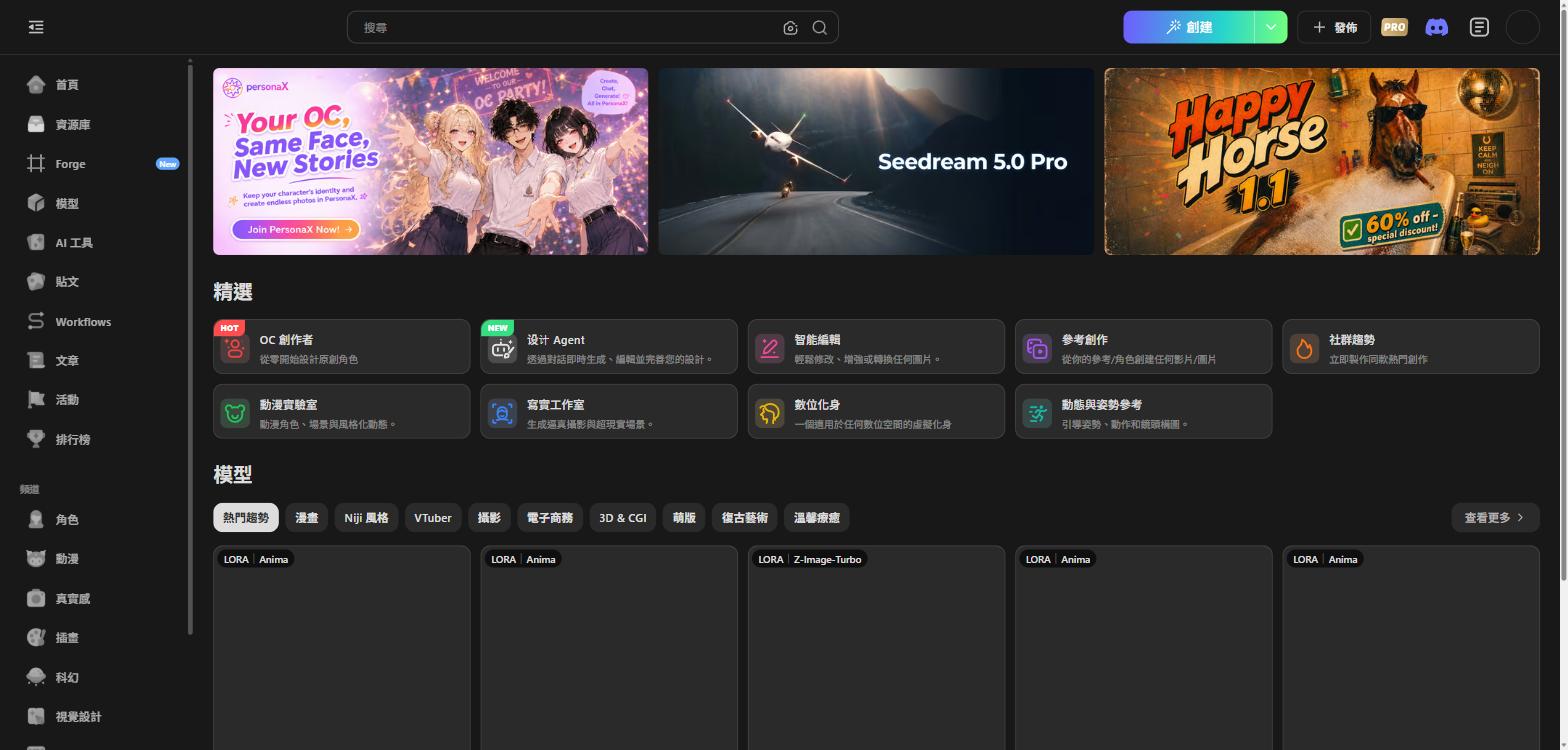
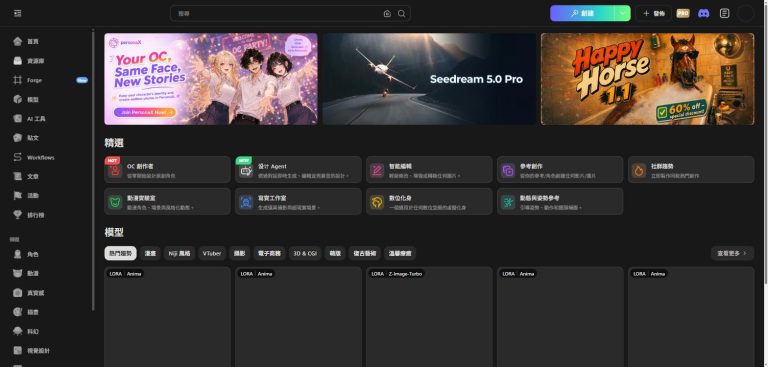
▲ Tensor.Art homepage: Seedream 5.0 Pro banner alongside Happy Horse 1.1 at 60% off
What Is Tensor.Art?
Tensor.Art is a full-featured cloud AI creation platform built around Stable Diffusion. The main offerings:
- Forge Infinite Canvas — AI-agent-driven image/video generation with zero learning curve
- Model Library — hundreds of thousands of CHECKPOINT and LORA models, free to use
- Workflows — cloud-hosted ComfyUI, no local setup required
- Community Posts & Leaderboards — AI art from creators worldwide
- AI Tool Suite — OC Creator, Design Agent, Face Swap, and more
The big headline: core features are completely free. PRO unlocks higher compute quotas and EXCLUSIVE models.
Forge Infinite Canvas: One Sentence Is All You Need
The flagship feature is Forge, with the tagline “Boundless Creativity Infinite Canvas.” Unlike a traditional txt2img interface, Forge is an Agent-driven infinite canvas:
- Type a description (any language works)
- The Agent automatically picks the best model and settings
- Output appears on the canvas — keep editing from there
Forge ships with popular presets including Motion-Tumbled Into, Digital Avatar, Create from Reference, and Smart Edit. The bottom of the page shows a live “Community Works” feed so you can see what others are creating in Forge right now.
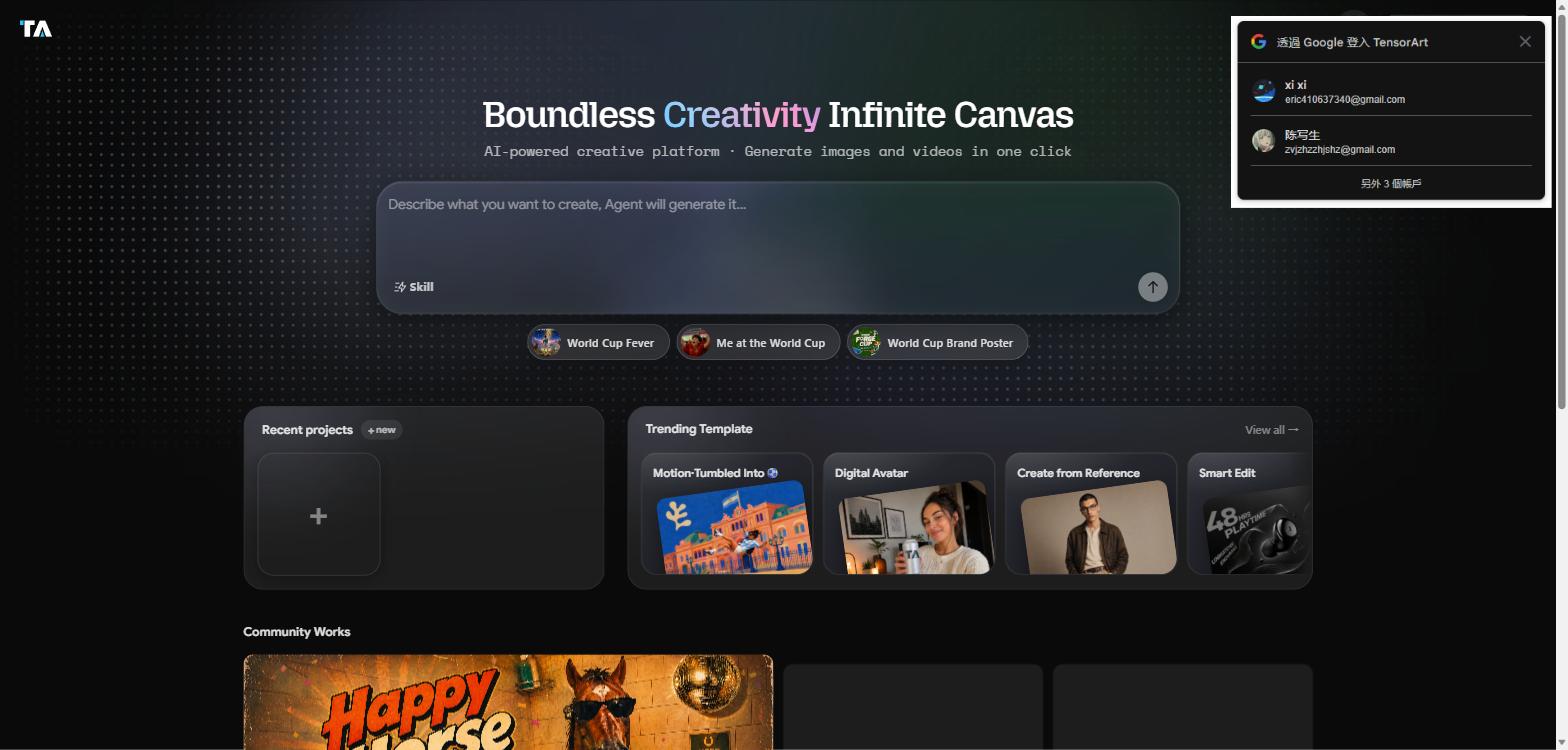
▲ Forge canvas: Trending Templates on one click, Community Works for endless inspiration
10 Featured AI Tools: From Character Design to Brand Assets
Tensor.Art’s homepage surfaces 10 quick-access tools:
| Tool | What It Does |
|---|---|
| 🔥 OC Creator | Design original characters from scratch |
| 🆕 Design Agent | Chat-driven AI design — generate and edit in real time |
| Anime Lab | Animate characters, stylize scenes |
| Realism Studio | Ultra-realistic photo and surreal scene generation |
| Smart Edit | Modify, enhance, or style-transfer any image |
| Create from Reference | Generate video or images from your reference/character |
| Digital Avatar | Build a virtual persona for any digital space |
| Motion & Pose Reference | Precise control over pose, motion, and facial composition |
| Community Trends | Recreate trending community styles instantly |
| Brand Design | Logos, visuals, and marketing assets in seconds |
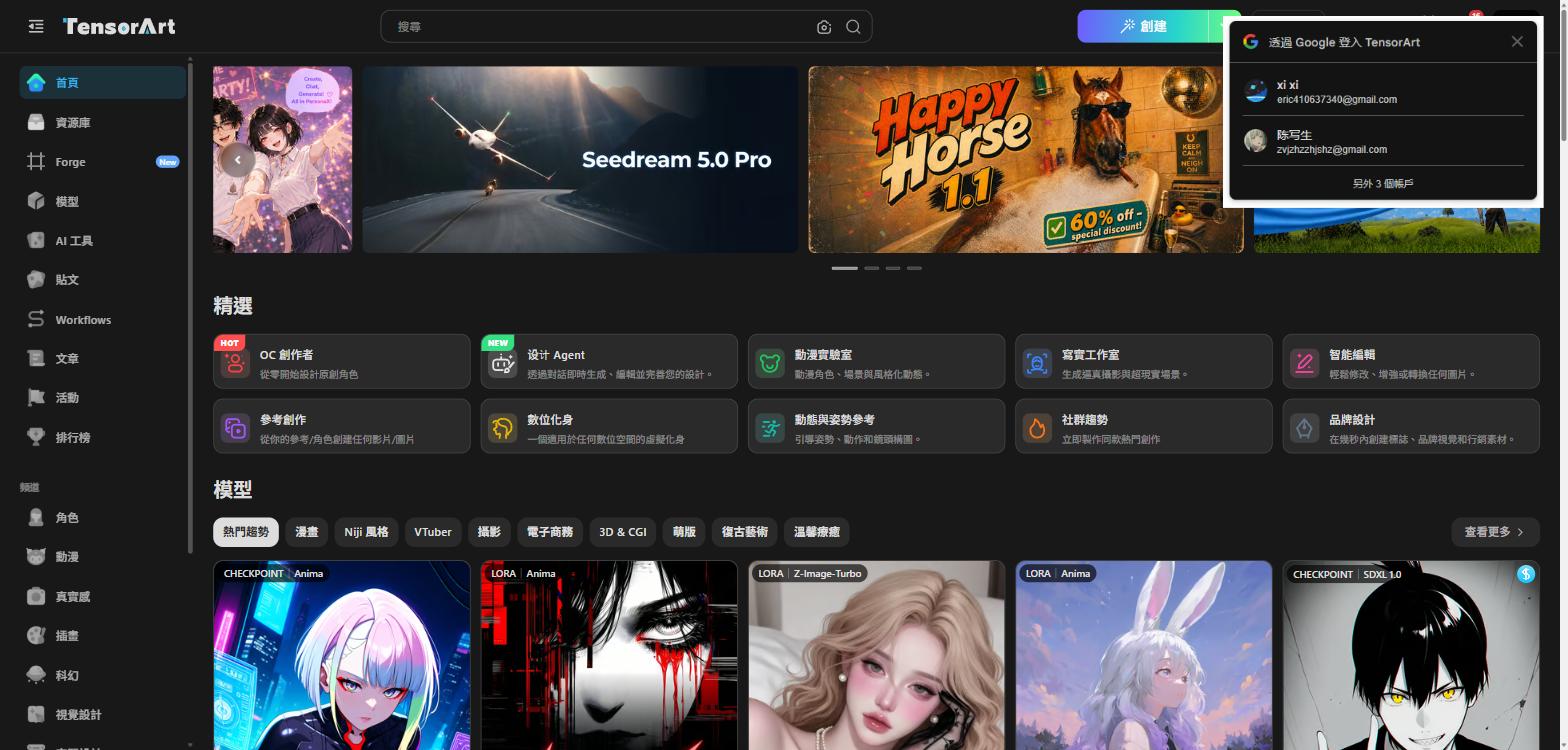
▲ 10 featured tools covering anime, realism, and commercial use cases
Model Library: The World’s Largest Free AI Model Hub
This is Tensor.Art’s core advantage. Supported model types:
- CHECKPOINT — base models: Illustrious, Z-Image-Turbo, KREA_2, SDXL, and more
- LORA — style fine-tune models: anime, realistic, character-specific, NSFW, etc.
- VIDEO — video generation: Wan 2.2 series, image-to-video support
Top models by download count (tested 2026-07-19):
| Model | Type | Downloads |
|---|---|---|
| WAI-illustrious-v17 | CHECKPOINT / Illustrious | 53M |
| Wan2.2-t2v-a14b | VIDEO / WAN_2_2 | 26M |
| AniCoreXL – Illustrious v11 | CHECKPOINT / Illustrious | 13M |
| Semi Realistic | Niji Styles – V1 | LORA / Illustrious | 11M |
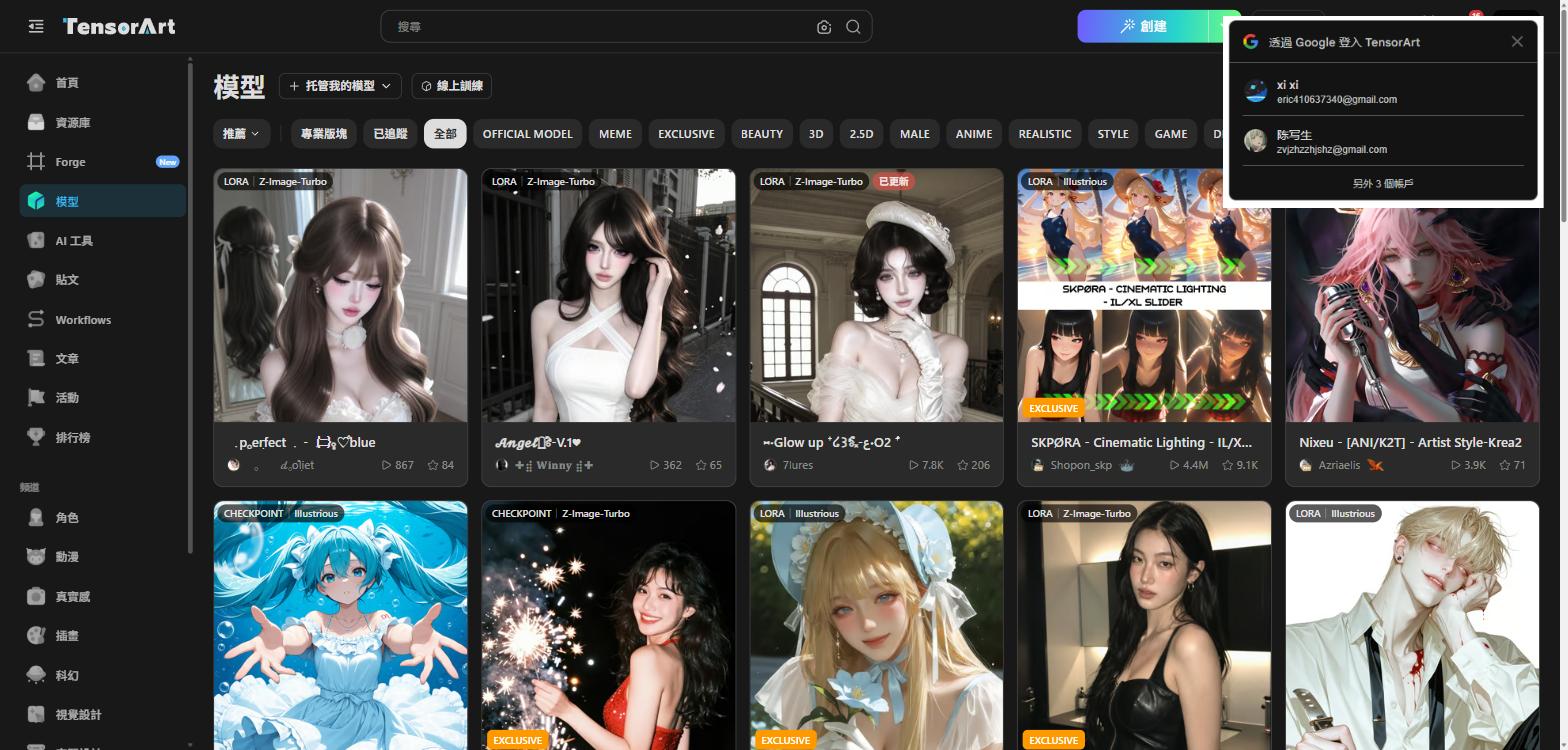
▲ Model library: CHECKPOINT and LORA models spanning anime and realism styles
How to Access NSFW Models
Here’s the practical answer. Tensor.Art defaults to a filtered view, but the platform explicitly allows adult content creation. Enable the relevant Content Filter setting in your account, and you unlock:
- Community-uploaded NSFW fine-tunes of Illustrious and similar base models
- EXCLUSIVE-tagged PRO adult models
- NSFW-optimized LORA collections
The community of creators uploading adult models is large and active, with quality far above what you’d find by random searching. If you want a curated guide to adult AI platforms and tools, AI Ero (AIEro) is my go-to starting point — it covers the full ecosystem in one place.
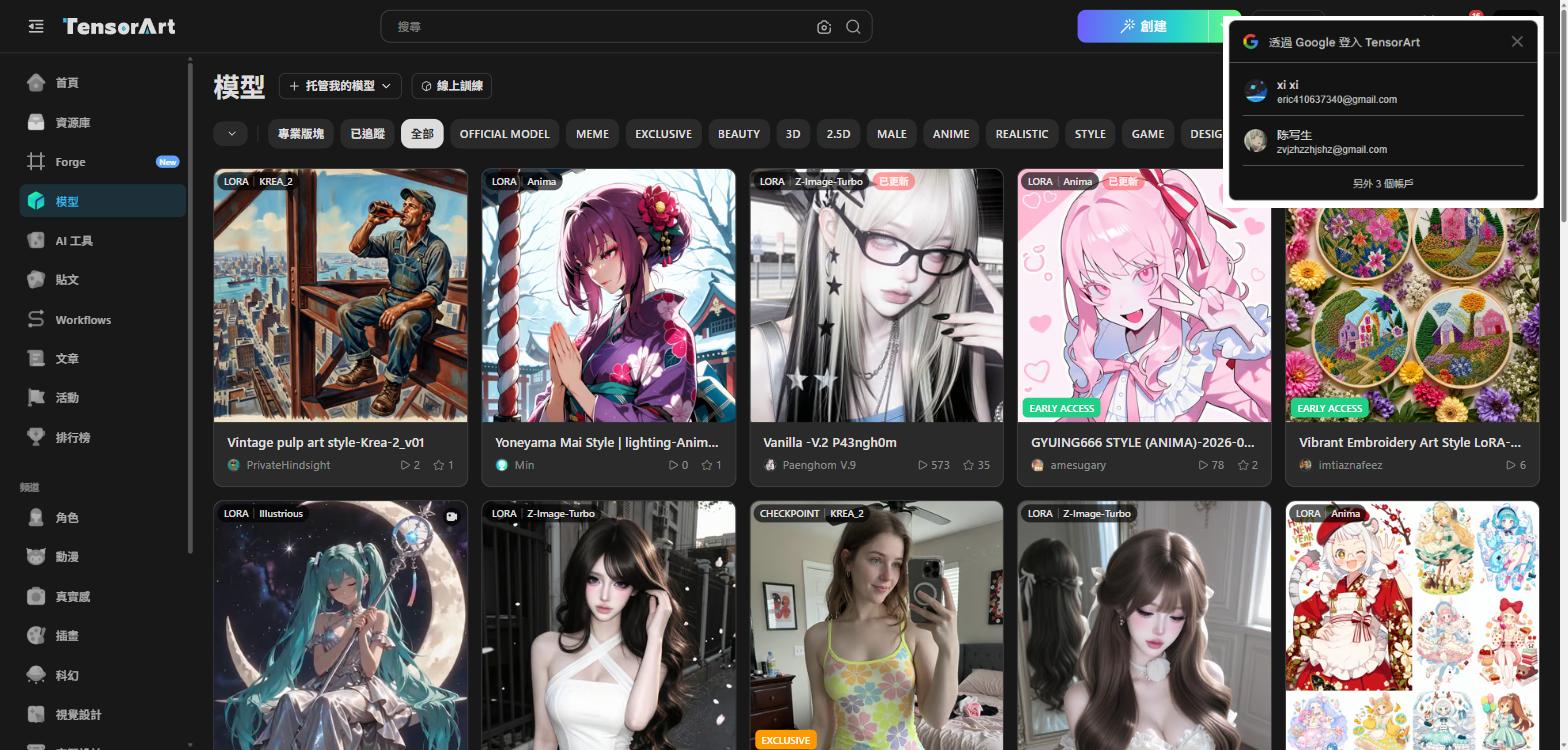
▲ Models ranked by downloads: a diverse ecosystem spanning anime and realism
Workflows: Cloud ComfyUI Without the Setup Headache
ComfyUI is powerful — and notoriously tedious to install and maintain locally. Tensor.Art runs it in the cloud as Workflows, accessible directly in your browser, with their servers doing the compute.
Popular Workflows (with node count):
- Flux with Lora + Upscale (14 Nodes) — high-quality image upscaling
- Wan2.2 Image To Video (14 Nodes) — image-to-video conversion
- FACE SWAP WORKS (19 Nodes) — face replacement pipeline
- Flux Kontext multi-image fusion (24 Nodes) — multi-image compositing
- Expression Editor (4 Nodes) — fine-grained expression control
Categories include FACE, CLOTHES, CHARACTER, UPSCALE, IP ADAPTER, INPAINT, OUTPAINT, CONTROLNET, IMG2IMG, VIDEO, and ANIMATEDIFF. If you can do it in ComfyUI locally, you can almost certainly do it here — without touching a terminal.
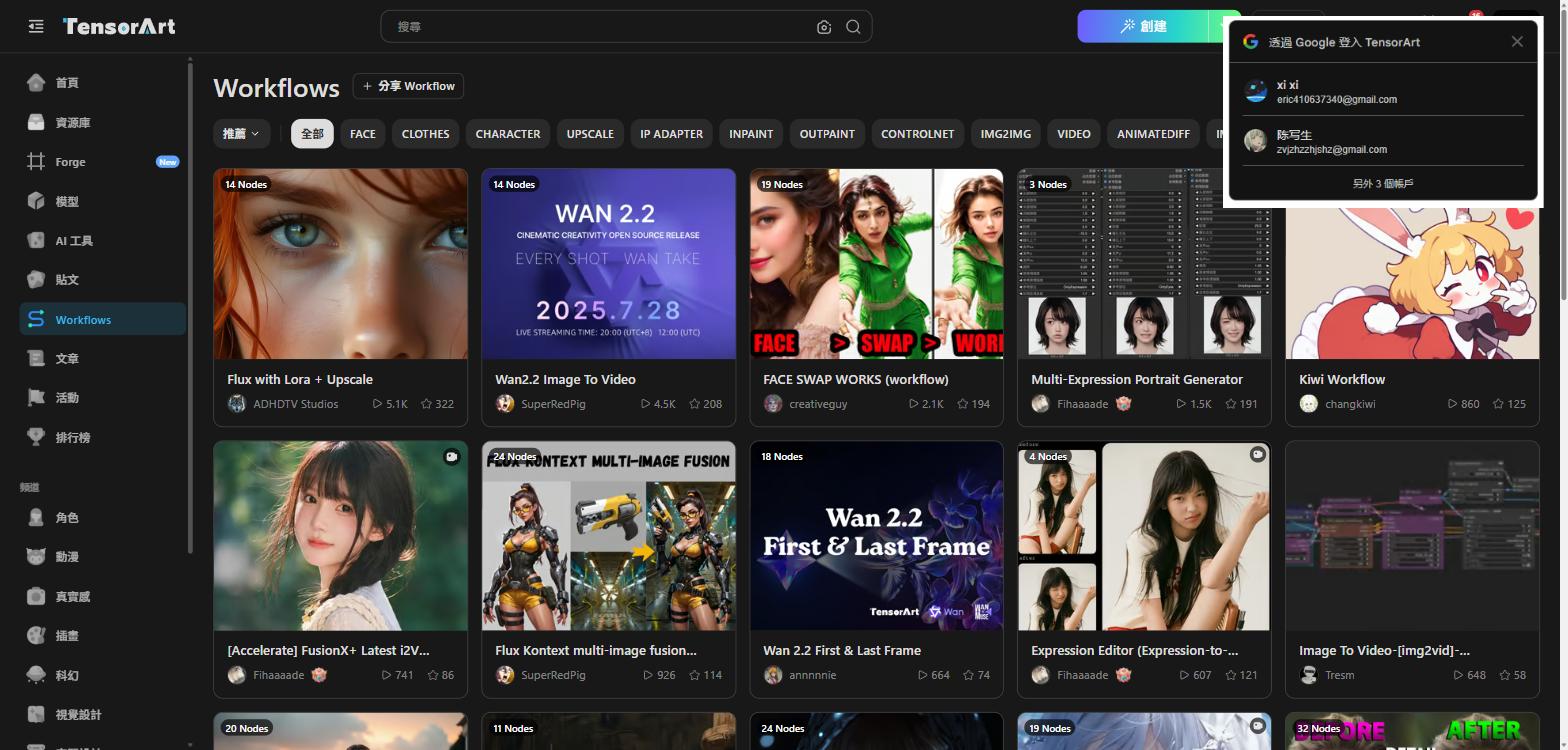
▲ Workflows page: cloud ComfyUI covering everything from face-swap to video generation
Community: Posts, Daily Themes, and Leaderboards
Tensor.Art is also a thriving AI art community. The Posts section categorizes content by theme:
- ORIGINAL: 441K works
- COMIC: 287K works
- MANGA: 243K works
There’s a daily “Daily Theme” challenge — at the time of writing it was Aquarium. Filters include ANIME, REALISTIC, STYLE, GAME, DESIGN, and MECHA.
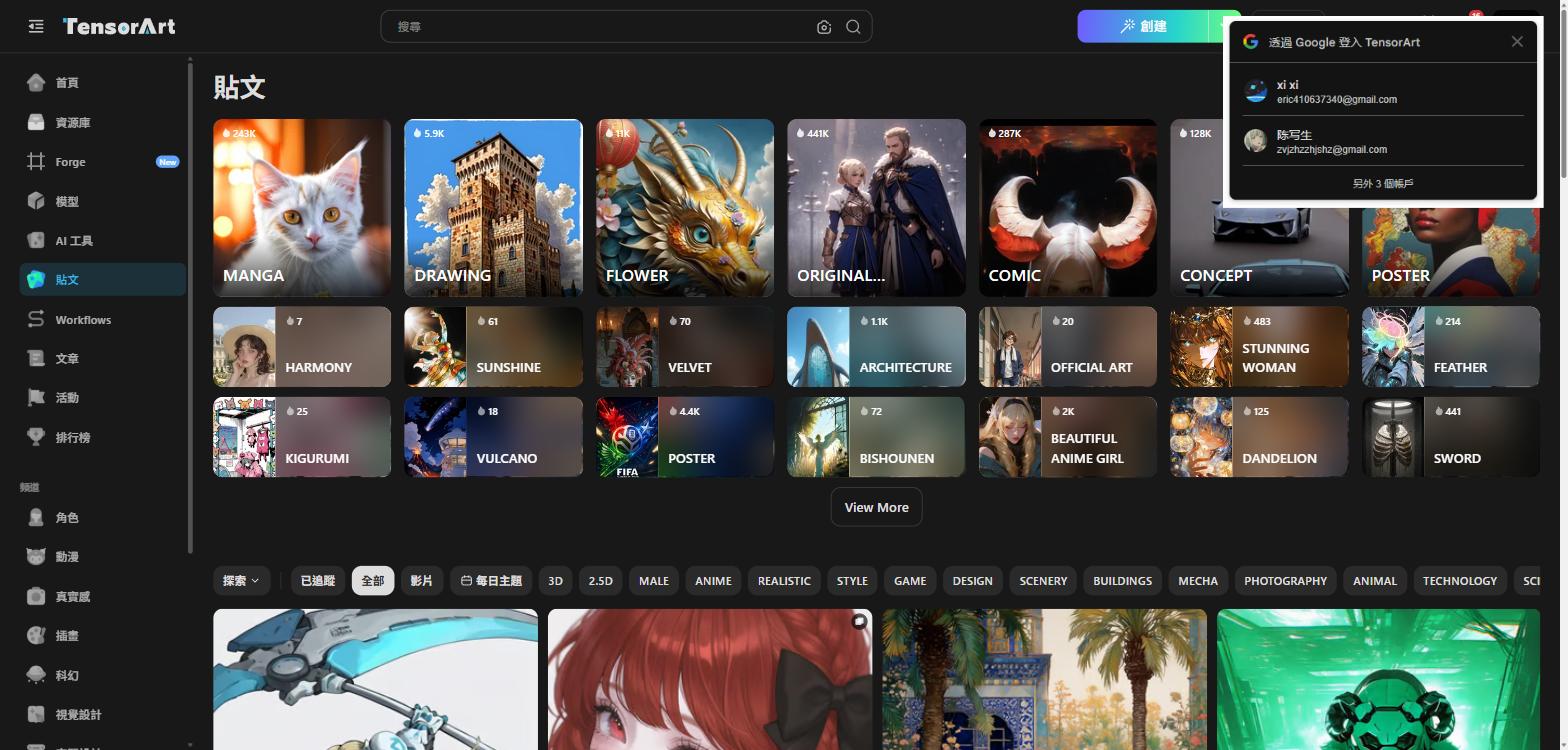
▲ Community posts: rich theme categories, hundreds of thousands of works
Creator Leaderboard (updated daily at 16:00):
| Rank | Creator | Score |
|---|---|---|
| 🥇 1 | KRATUS | 7.2K |
| 🥈 2 | TWKOLYY | 4.6K |
| 🥉 3 | Hiruma | 4.6K |
| 4 | riiwa | 4.3K |
| 5 | NukeA.I | 3.1K |
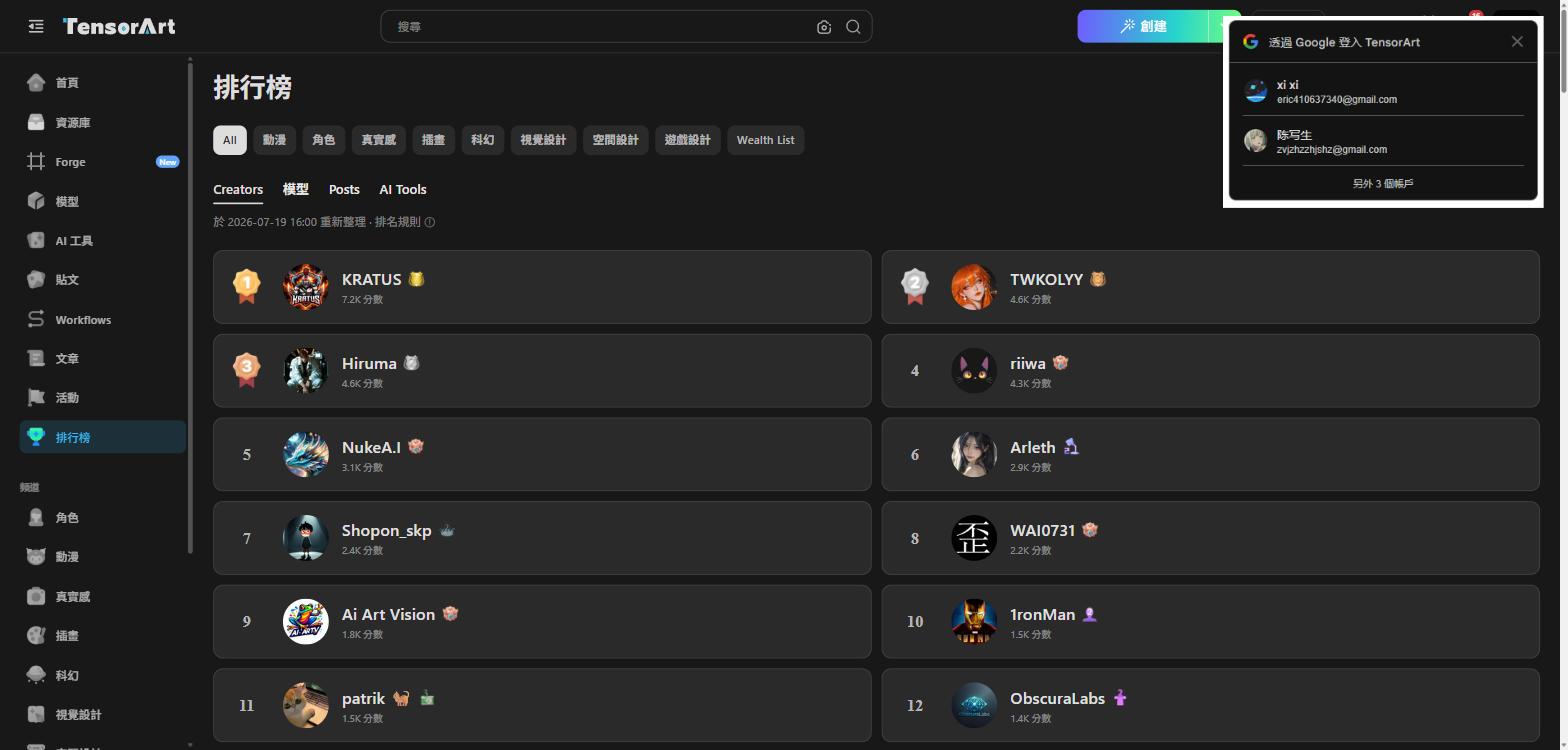
▲ Global creator leaderboard: the most competitive AI artist ecosystem you’ll find
Free vs PRO: What You Actually Get
| Feature | Free | PRO |
|---|---|---|
| Daily generation quota | Limited | Significantly higher |
| Model access | Most community models | Includes EXCLUSIVE models |
| Forge features | Basic | Full access |
| Workflows | Limited runs | More execution slots |
| Server priority | Standard queue | Priority queue |
Recommendation: start with free, upgrade once you know the platform fits your workflow. The free tier is genuinely usable, not a bait-and-switch demo.
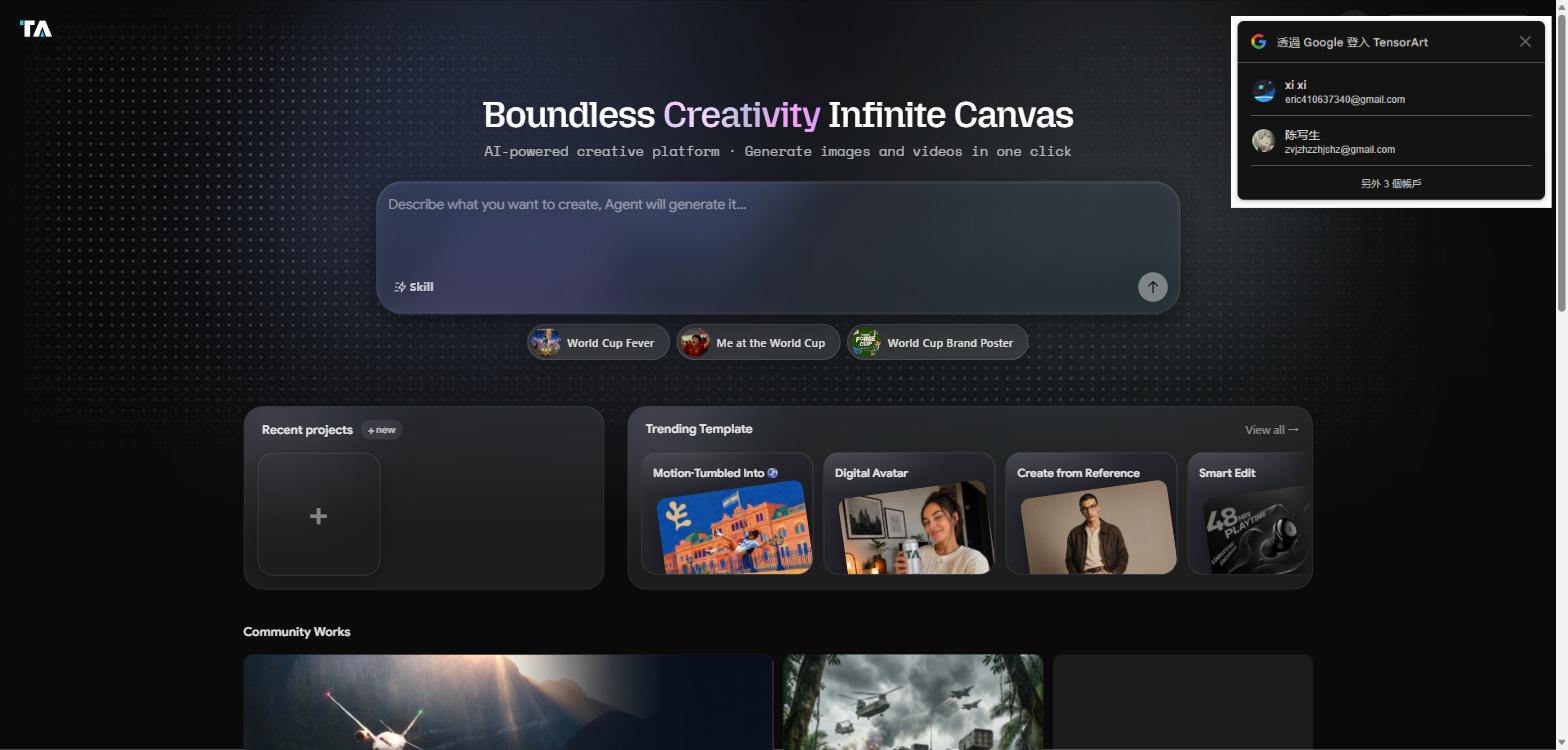
▲ Forge community showcase: user-generated works updated daily
Overall Score 🏆
| Category | Score | Notes |
|---|---|---|
| Ease of Use | ⭐⭐⭐⭐⭐ | Forge makes it beginner-proof |
| Model Variety | ⭐⭐⭐⭐⭐ | World’s largest — 53M downloads on top model alone |
| NSFW Support | ⭐⭐⭐⭐ | Requires enabling in settings; rich content once unlocked |
| Free Tier Value | ⭐⭐⭐⭐ | Genuinely useful without paying |
| Workflow Power | ⭐⭐⭐⭐⭐ | Cloud ComfyUI is best-in-class |
| Overall | 4.7/5 | Top pick for free cloud AI image generation |
Verdict: Great Images Without Burning Your GPU
Tensor.Art delivers the most complete free cloud AI image generation experience I’ve tested. Forge removes the entry barrier, Workflows satisfies power users, and the model library is simply unmatched in scale.
If you’re still running local Stable Diffusion and hitting VRAM walls, try Tensor.Art. Run a few free generations, feel the difference, and you’ll understand why it’s hard to go back.
For a comparison with another strong contender, check out my earlier review of SeaArt.ai — the two platforms complement each other well. And for a curated hub of AI adult content tools and platforms, AIEro is where I send people first.
Buckle up. Tonight we don’t crash.
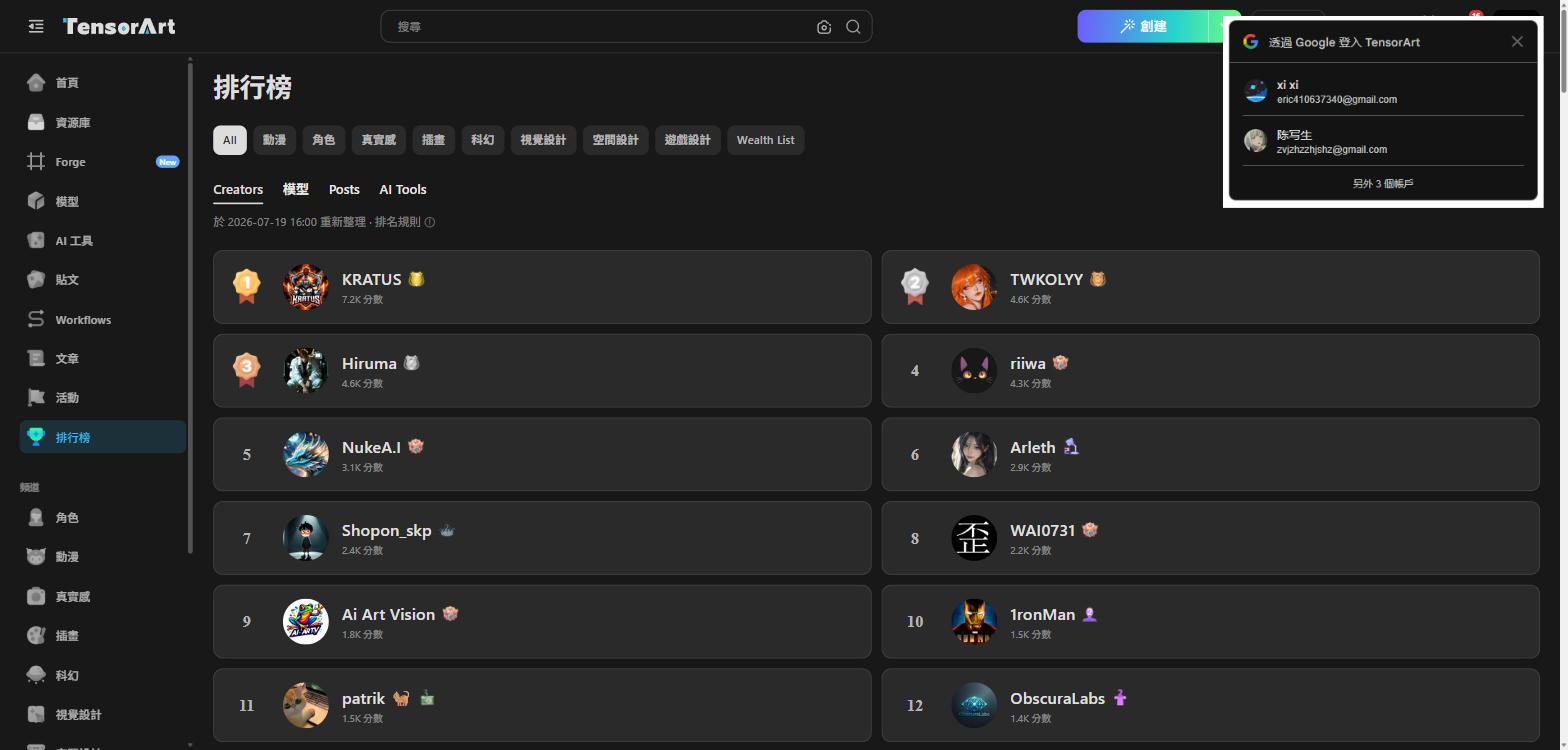
▲ Model leaderboard: the global rankings for AI model creators
References & Image Credits
- Tensor.Art Official: https://tensor.art
- Tensor.Art Forge: https://tensor.art/forge
- Tensor.Art Models: https://tensor.art/models
- Tensor.Art Workflows: https://tensor.art/workflows
- Tensor.Art Posts: https://tensor.art/posts
- All screenshots taken on 2026-07-19 via direct access to tensor.art. Copyright belongs to Tensor.Art.