Every veteran driver knows: the best tools don’t need to be fought over — they just need to be found.
Tensor.Art is exactly that kind of ride: fully loaded, powerfully accelerated, and completely free to start. Over 1 million AI models, a Forge Infinite Canvas for one-click generation, and ComfyUI workflows running in the cloud for free — buckle up, because we’re going for a full test drive.
What Is Tensor.Art? Quick Overview
Tensor.Art is an AI creative platform centered on anime and realistic image generation. It offers:
Over 1 million+ free LoRA, Checkpoint, and Video models
Cloud-based image generation (no GPU required)
Free cloud execution of ComfyUI Workflows
Forge “Infinite Canvas” AI Agent creative workspace
Compared to platforms like Civitai, the key differentiator is free cloud image generation — no local GPU setup needed.
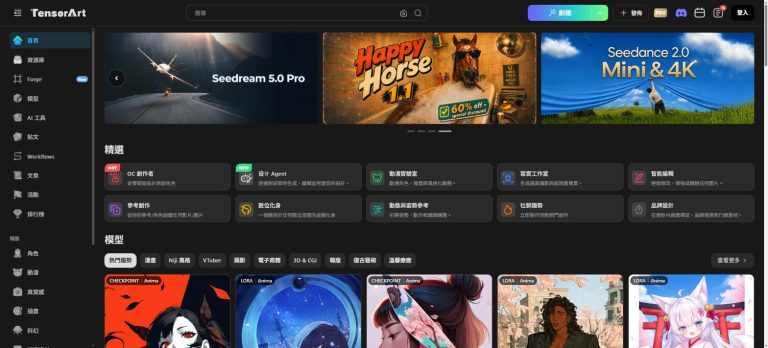
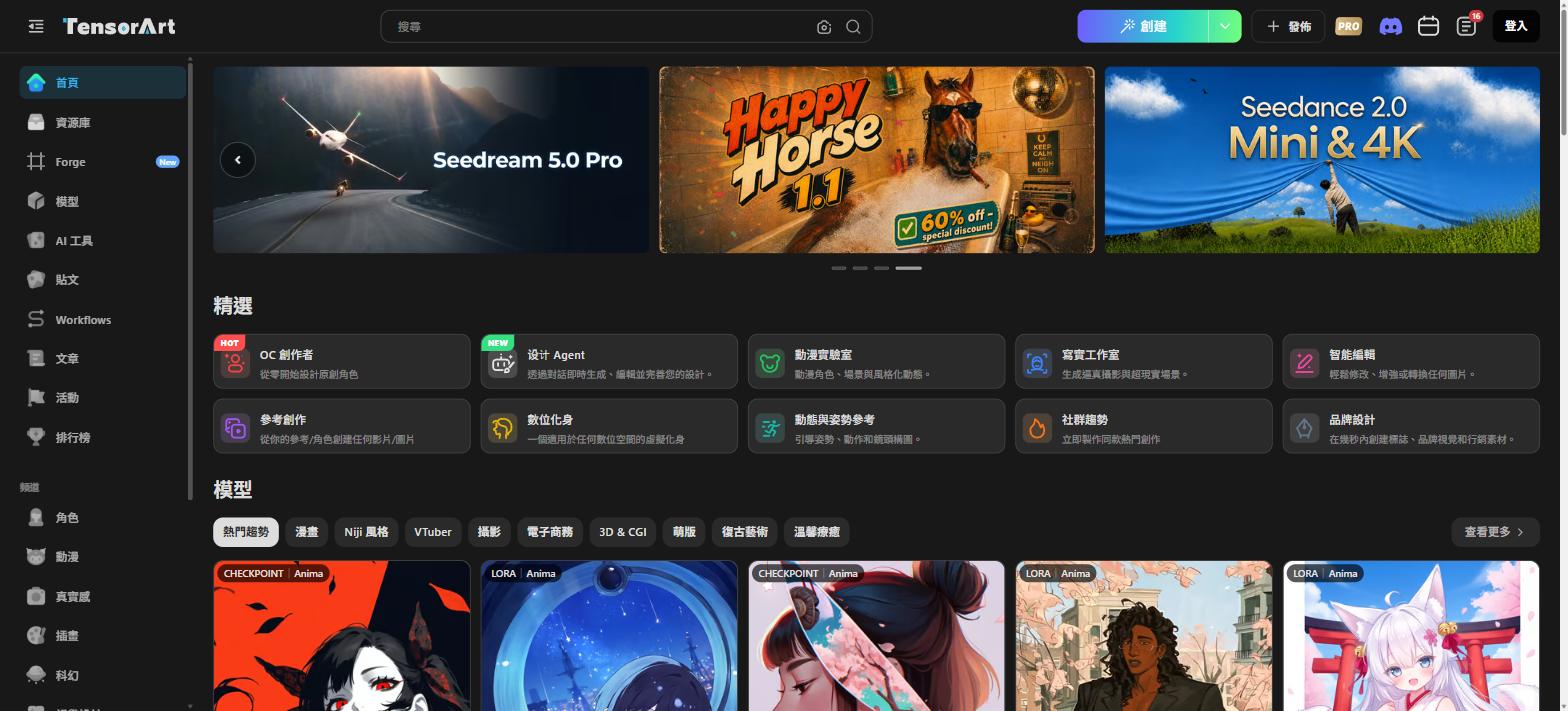
Tensor.Art 2026 homepage featuring the latest Seedream 5.0 Pro and Seedance 2.0 video generation announcements
Homepage Tour: Reading the Dashboard
The homepage greets you with a dark-themed interface and a full left-side navigation. The “Featured” section at the top immediately showcases ten core creation modes:
OC Creator (HOT) — Design original characters from scratch
Design Agent (NEW) — Generate, edit, and refine designs through conversation
Anime Studio — Animate characters, scenes, and stylized motion
Realistic Studio — Generate photorealistic and surrealist scenes
Smart Edit — Modify, enhance, or transform any image
Create from Reference — Build images/videos from your reference photos
Digital Avatar — Create a virtual avatar for any digital space
Pose & Motion Reference — Guide poses, actions, and camera angles
Trending Creations — Instantly replicate viral community content
Brand Design — Create logos, brand visuals, and marketing assets in seconds
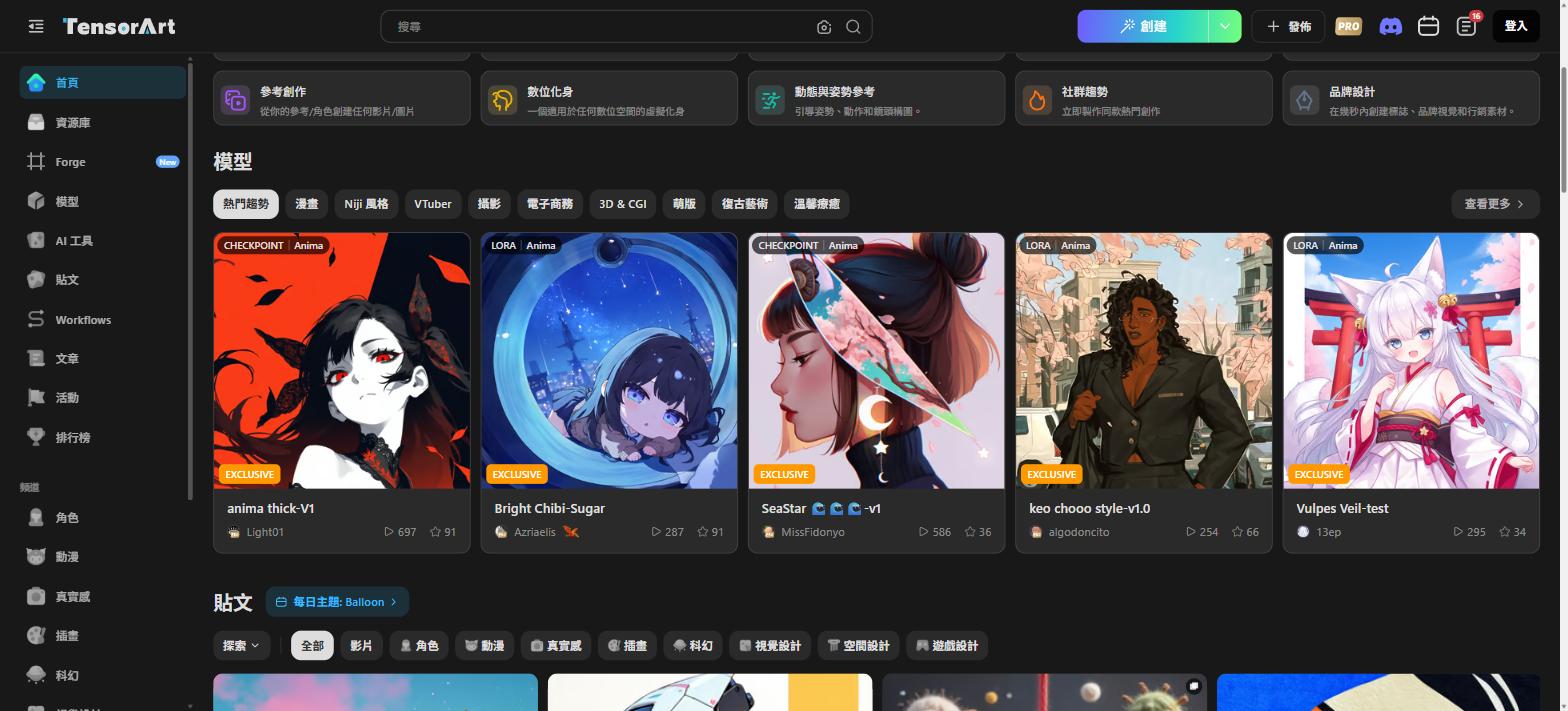
The featured models section lets you browse by categories: Anime, Niji Style, VTuber, Photography, and more
Model Library: 1 Million+ Models at Your Fingertips
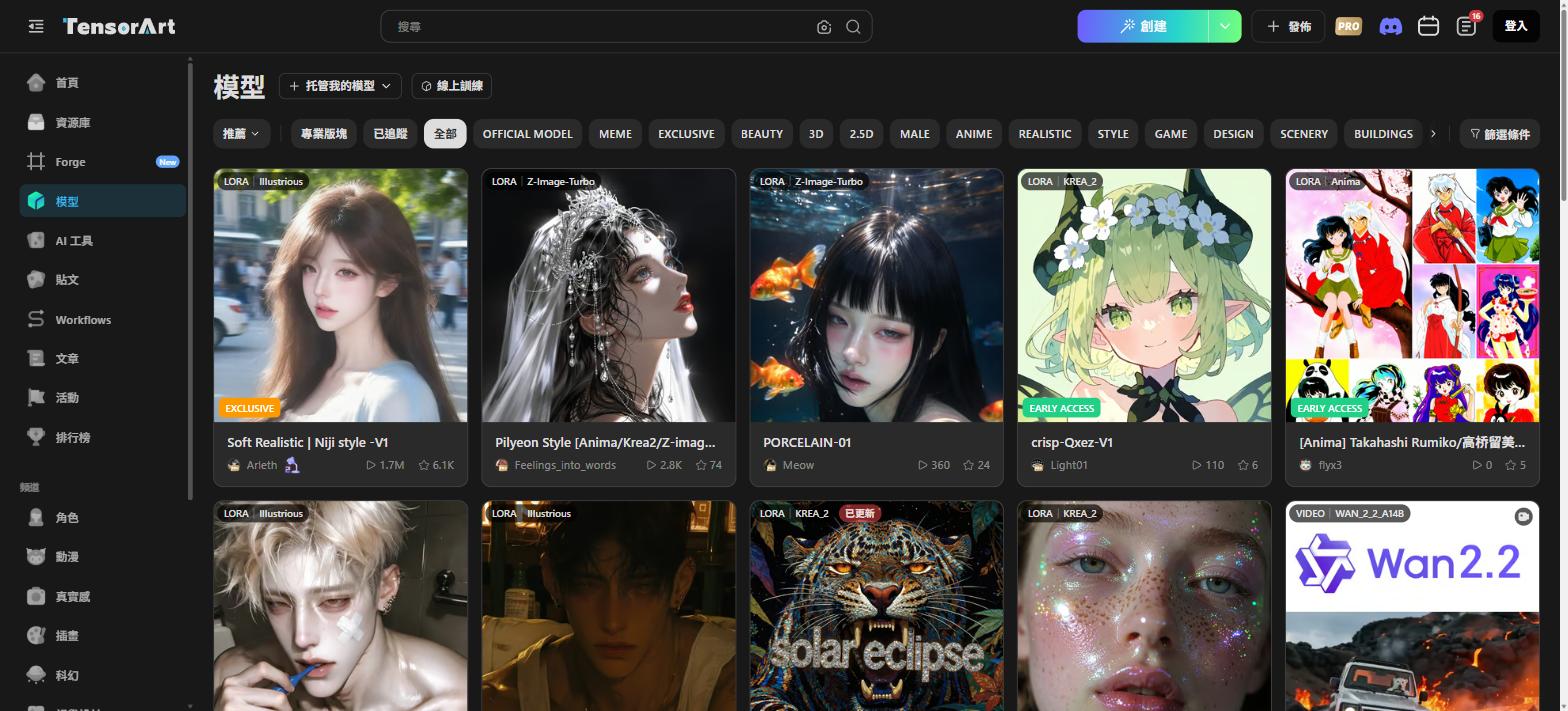
This is Tensor.Art’s most powerful competitive advantage. The Models page (tensor.art/models) offers filtering by: OFFICIAL MODEL, MEME, EXCLUSIVE, BEAUTY, 3D, 2.5D, MALE, ANIME, REALISTIC, STYLE, GAME, DESIGN, SCENERY, and more.
The model library supports CHECKPOINT, LoRA, and VIDEO types — all free to browse with 1M+ community models
The Biggest Stars on the Platform
WAI-illustrious-v17 (CHECKPOINT / Illustrious) — 53M downloads, 38K stars. The undisputed king of anime generation on Tensor.Art.
Midjourney M | Semi-Real (LORA / Illustrious) — 8.2M downloads, 13K stars. Top semi-realistic LoRA.
Wan2.2-t2v-a14b (VIDEO / WAN_2.2_A14B) — 26M downloads, 4.5K stars. The rising star of AI video generation in 2026.
Z-Image-Turbo-FP8 (CHECKPOINT) — 2.5M downloads, 3.9K stars. Fast and high-quality baseline model.
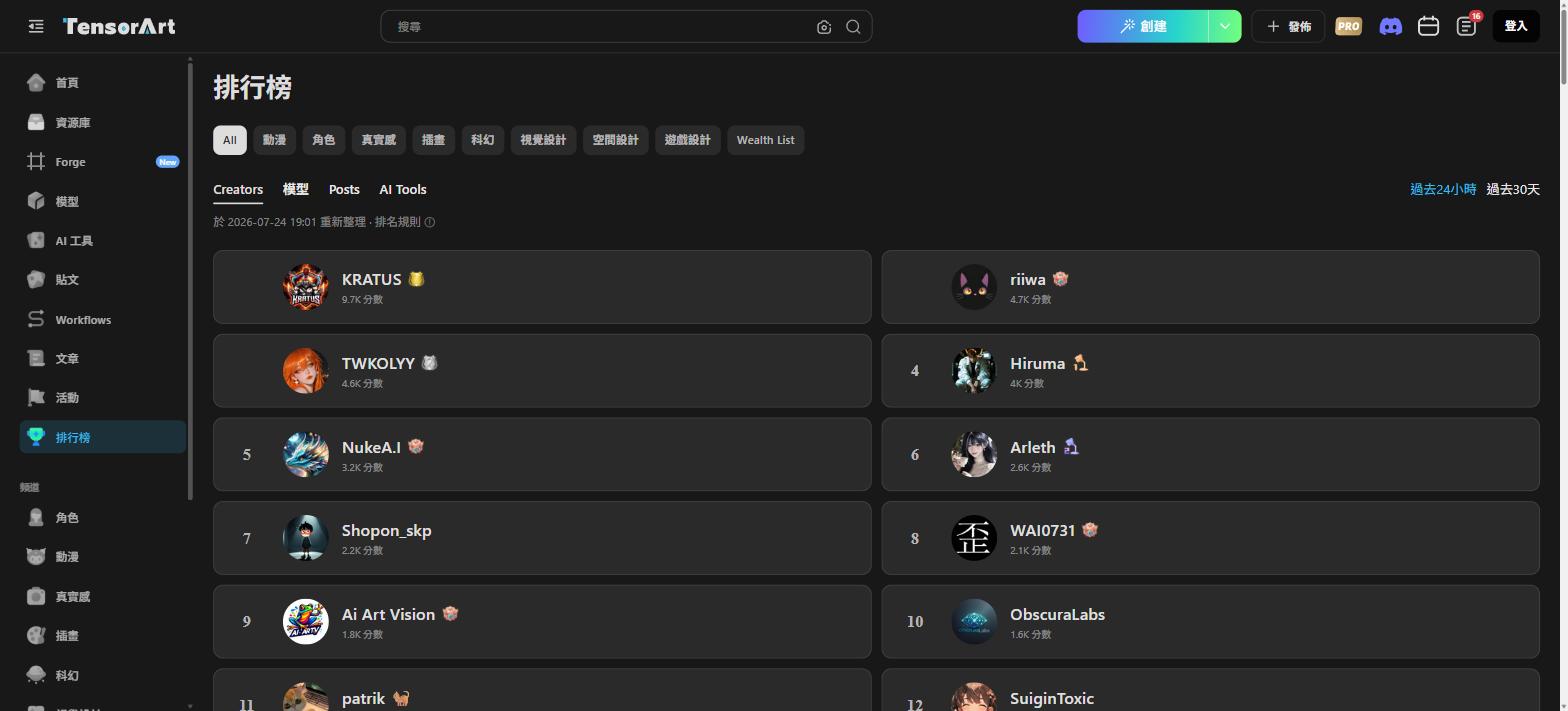
The leaderboard ranks creators, models, posts, and AI tools — filterable by last 24 hours or 30 days
Forge “Infinite Canvas” — AI Agent Creative Hub
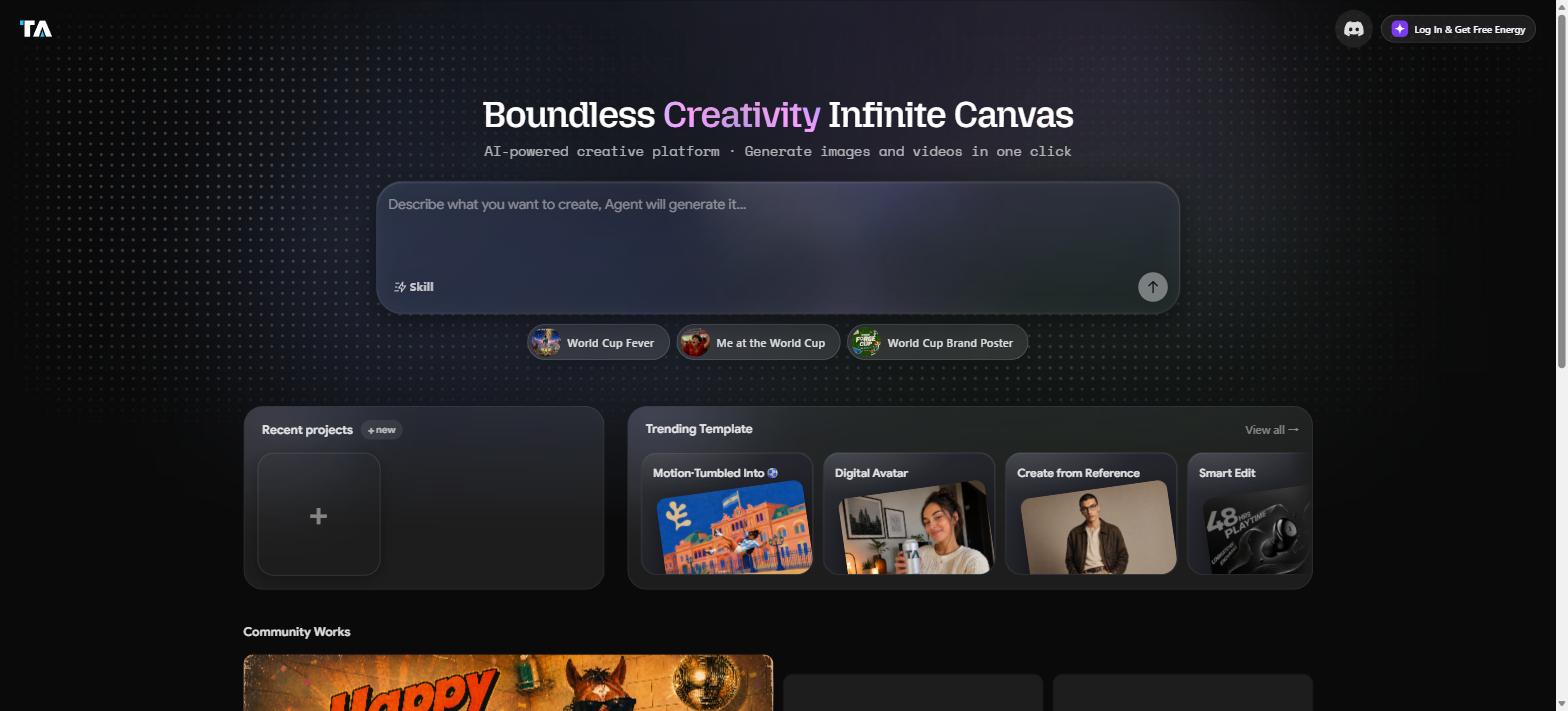
Forge (tensor.art/forge) is Tensor.Art’s flagship new feature, with the tagline: “Boundless Creativity Infinite Canvas.”
The interface is elegantly minimal: a large prompt box where you describe what you want to create, and the AI Agent handles generation, editing, and assembly. Trending templates include Motion-Tumbled Into, Digital Avatar, Create from Reference, and Smart Edit.
Forge is Tensor.Art’s AI Agent workspace — describe your vision and it generates images or videos automatically
This is perfect for creators who don’t want to fiddle with prompt engineering. Just describe what you want, and the AI does the heavy lifting.
AI Tools (Templates): The Productivity Powerhouse
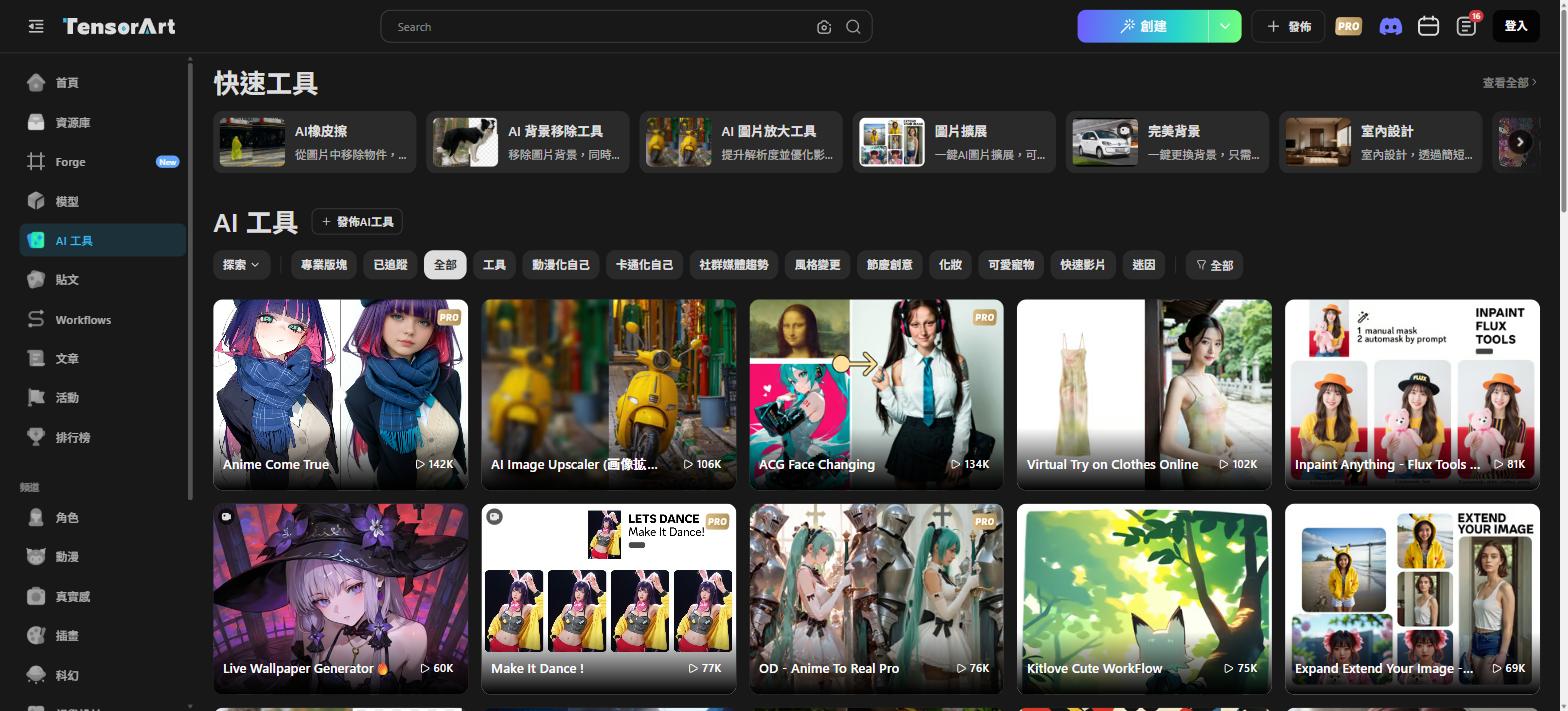
The Templates page (tensor.art/templates) features both quick tools and an enormous library of community-built AI workflows.
Quick Tools at the top include: AI Eraser, AI Background Remover, AI Image Upscaler, Image Expand, Perfect Background, Interior Design.
The AI Tools section categorizes templates by: Animate Yourself, Cartoon Yourself, Social Media Trends, Style Change, Festive Creative, Makeup, Cute Pets, Quick Video, Meme
Top community tools: Anime Come True (142K uses), ACG Face Changing (134K), Virtual Try on Clothes Online (102K), Make It Dance! (77K), OD – Anime To Real Pro (76K).
Workflows: Run ComfyUI in the Cloud for Free
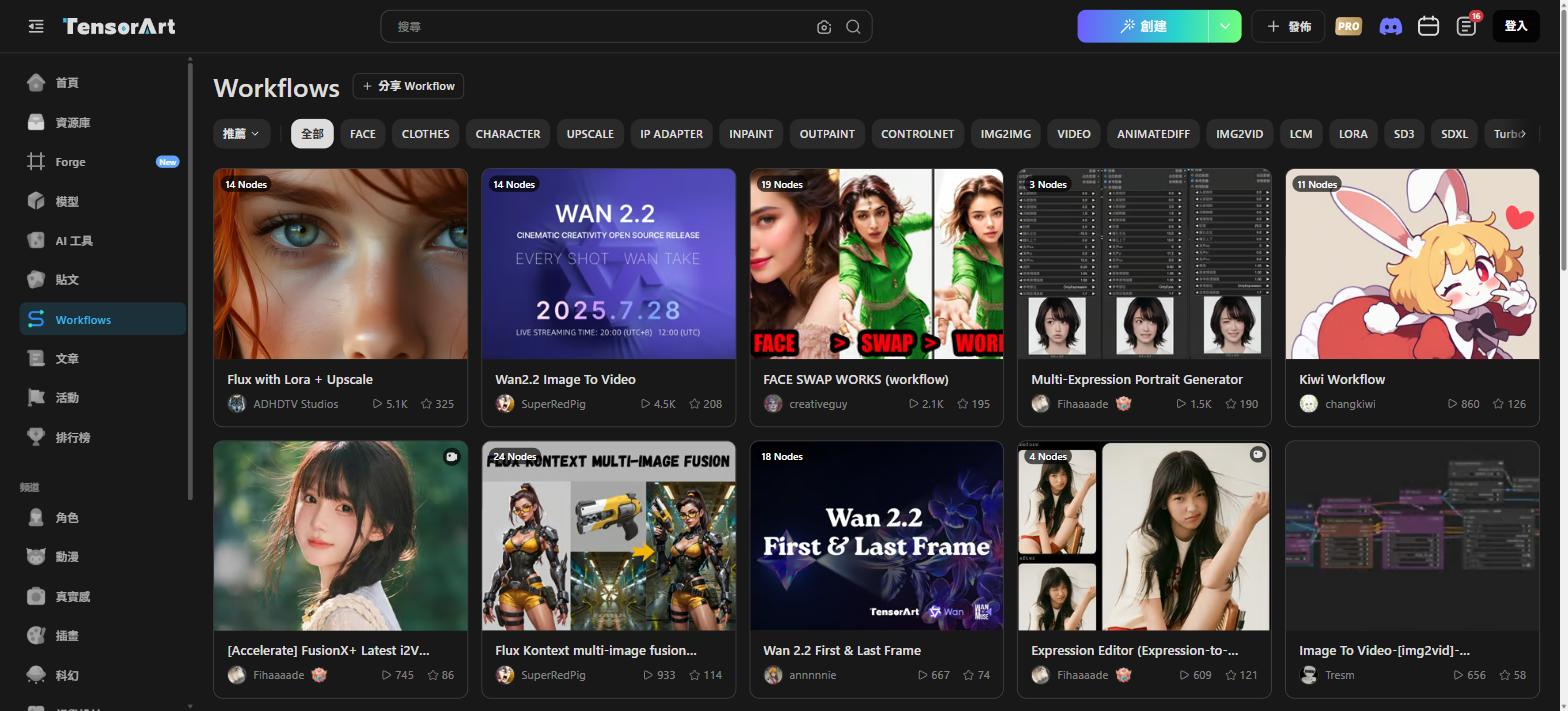
The Workflows page (tensor.art/workflows) hosts community-shared ComfyUI workflows across categories: FACE, CLOTHES, CHARACTER, UPSCALE, IP ADAPTER, INPAINT, OUTPAINT, CONTROLNET, IMG2IMG, VIDEO, ANIMATEDIFF, IMG2VID, and more.
Tensor.Art’s Workflows page lets you run complex ComfyUI node pipelines in the cloud — free, no local GPU needed
Top workflows: Flux with Lora + Upscale (5.1K downloads), Wan2.2 Image To Video (4.5K), FACE SWAP WORKS (2.1K). This is a game-changer for creators without high-end GPUs.
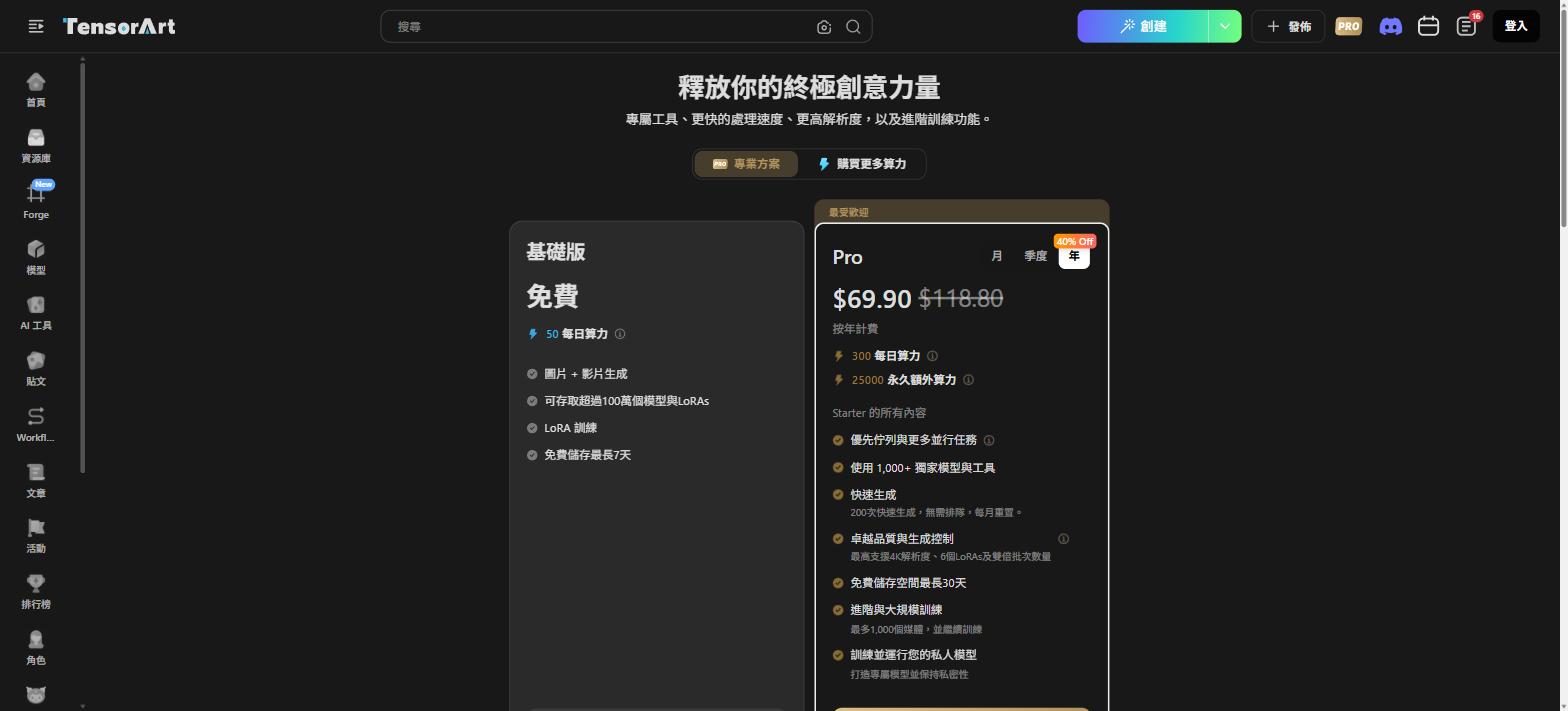
Pricing: Is the Free Tier Enough?
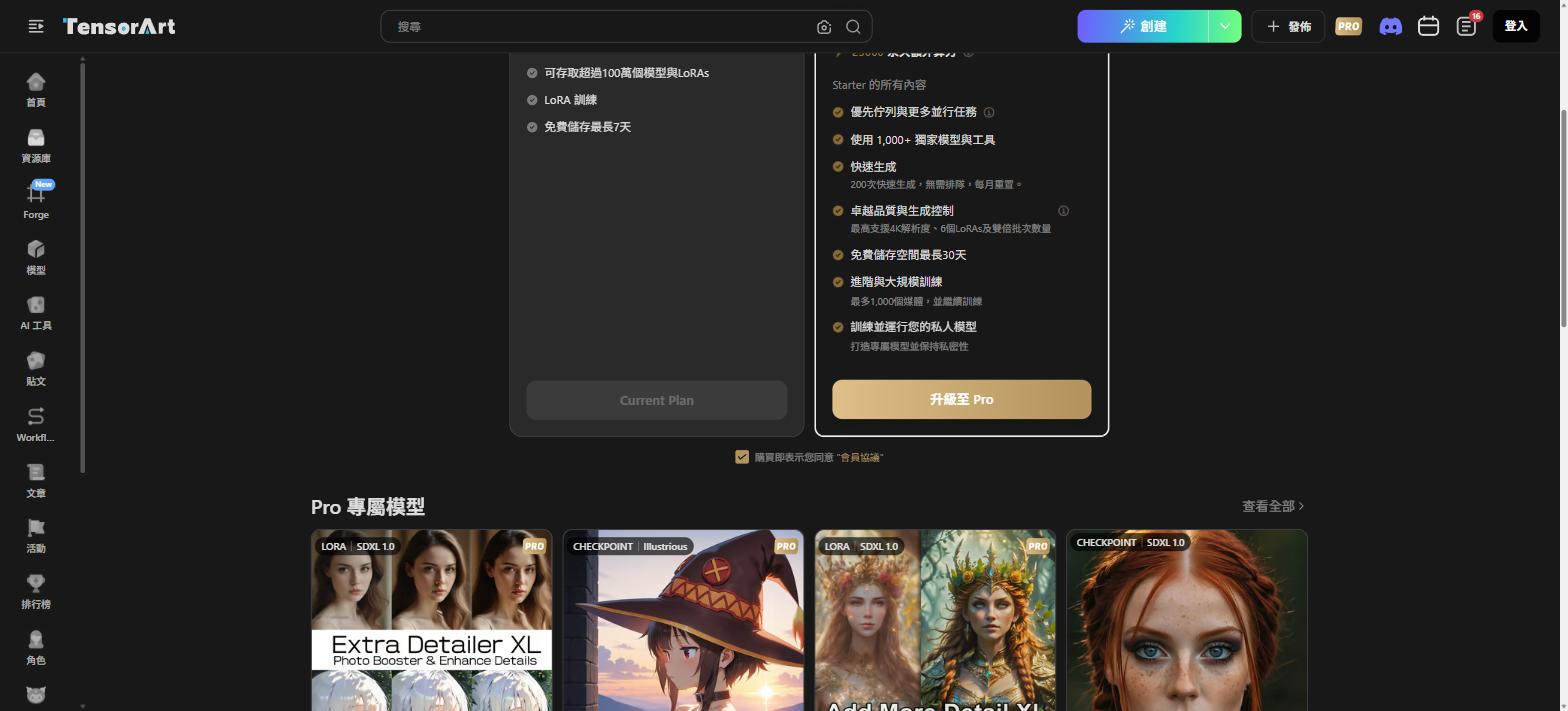
Pro plan with 40% annual discount: $69.90/year (~$5.83/month), includes 4K resolution, 1000+ exclusive models, 200 fast generations/monthFree Tier: 50 daily Energy, image + video generation, access to 1M+ models and LoRAs, LoRA training, 7-day free storage.
Pro Plan ($69.90/year — 40% off the $118.80 list price): 300 daily Energy + 25,000 permanent Energy, priority queue, 1,000+ exclusive models, 200 fast generations/month (no queue), up to 4K resolution with 6-LoRA batching, 30-day free storage, advanced large-scale training (up to 1,000 media), private model training.
Pro unlocks 1000+ exclusive models tagged with gold PRO badges, covering detail enhancement, style, and specialized use cases
Our verdict: The free tier is solid for casual creators. For power users, $5.83/month is genuinely competitive pricing for the feature set on offer.
Final Verdict: Worth the Pit Stop?
Absolutely — and you’ll want to come back regularly.
Tensor.Art’s zero-barrier entry (no install, no GPU, no credit card) combined with 1M+ models makes it the friendliest AI image generation platform for newcomers. For advanced users, the cloud-based ComfyUI Workflows and Forge AI Agent represent genuinely unique capabilities compared to NovelAI v3 and similar closed platforms.
Looking for the full lineup of premium AI adult art platforms? We’ve curated the complete list at AIEro — stock up before you go in.