
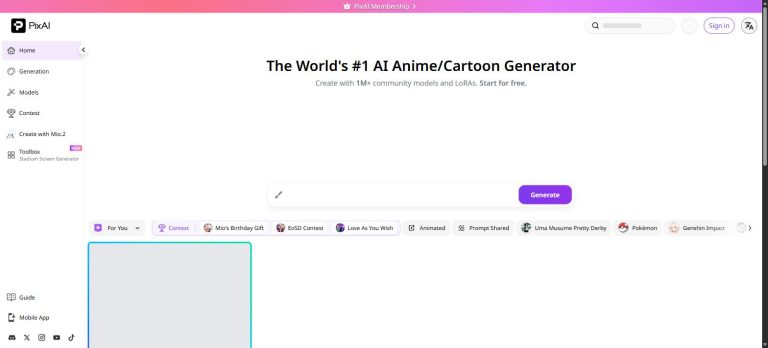
Buckle up, because today’s ride takes you somewhere special — a platform with over one million anime-style AI models, free daily credits, and the world’s most active community for anime AI art. That place is PixAI.art, and it boldly claims to be “The World’s #1 AI Anime/Cartoon Generator.” Does it live up to the hype? Let’s take a full tour: features, models, pricing, and yes — adult content. We’re covering it all.
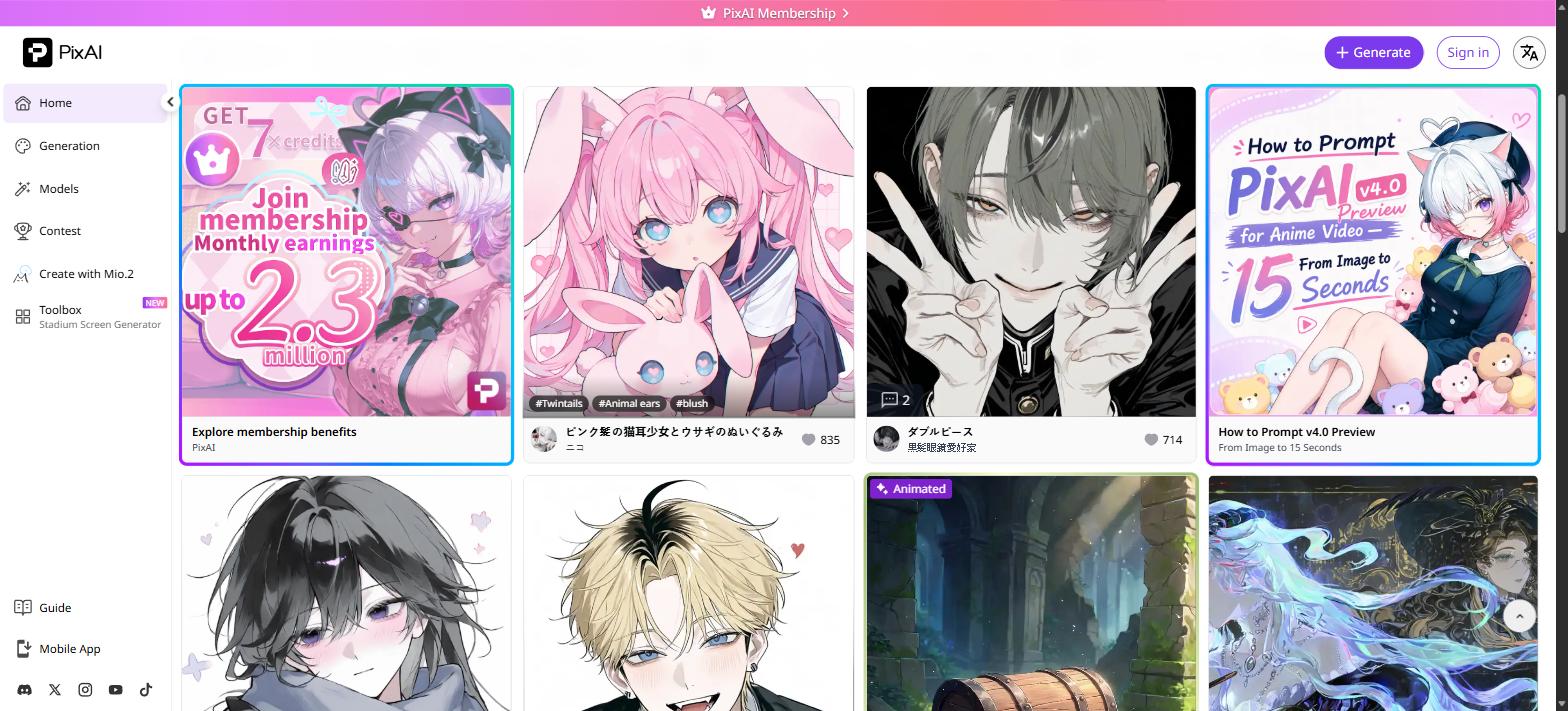
1. What Is PixAI? Why Is Everyone Raving About It?
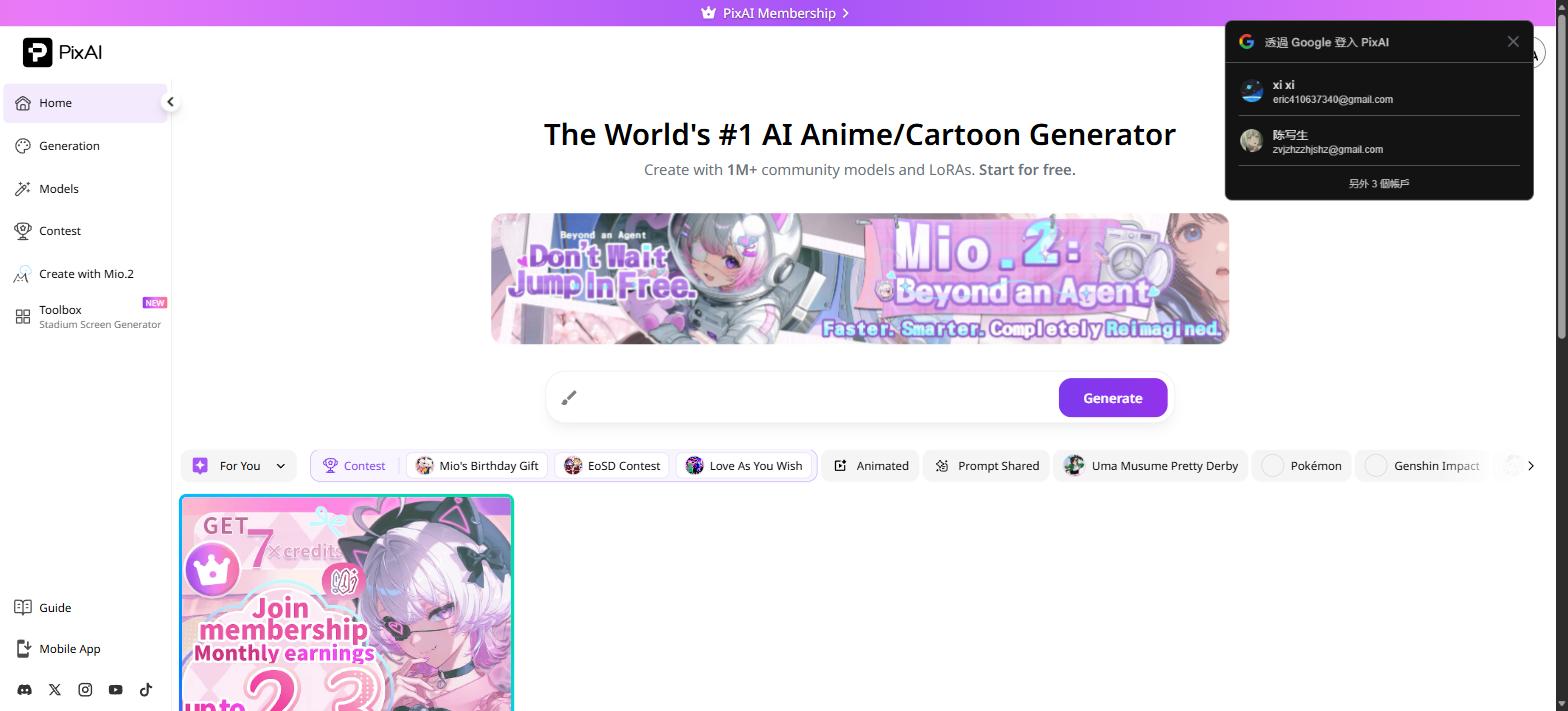
PixAI is an AI image generation platform specifically designed for anime and illustration styles. Its three core strengths: a massive community model library (over 1 million models and LoRAs — Haruka v2 alone has surpassed 214 million downloads), extremely low barrier to entry (no credit card needed, free daily credits from day one), and full end-to-end coverage (image generation → video generation → editing → LoRA training, all in one place).
Content creators, anime communities, and NSFW AI art circles are all using it. Official website: pixai.art
2. Generation Interface: Beginner-Friendly, Power-User Ready
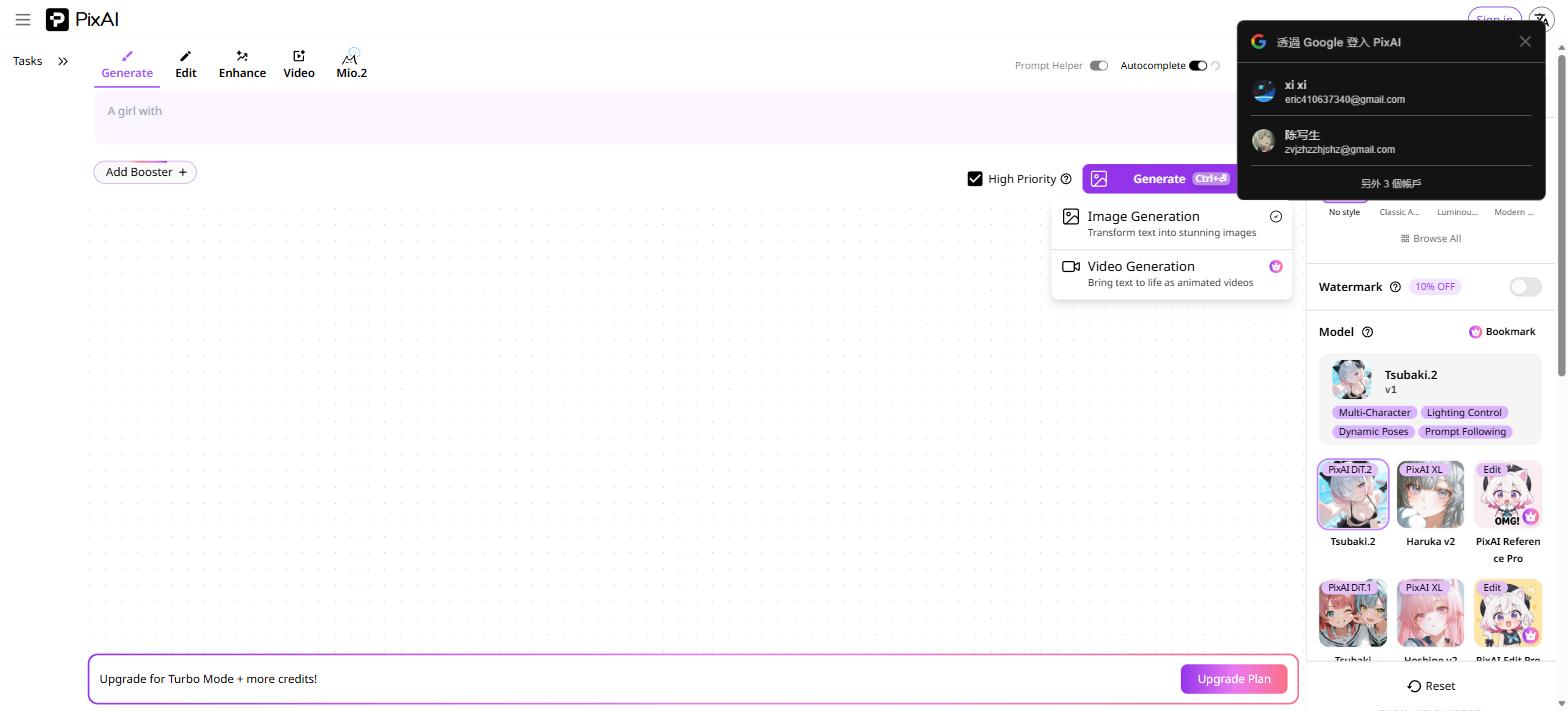
The generation interface is clean and intuitive. Top tabs let you switch between: Generate / Edit / Enhance / Video / Mio.2
Type your description in the Prompt box (supports both tag-based and natural language prompts), enable “Autocomplete” for AI-assisted prompt expansion, select your model and style on the right panel (No style / Classic Anime / Luminous / Modern…), then hit Generate (keyboard shortcut: Ctrl+Enter).
Advanced features: Prompt Helper (tag suggestion assistant), Add Booster (speed up generation), High Priority (queue jumping), Watermark removal (members only), and ControlNet (precise composition and pose control).
Turbo Mode: 7.6× faster generation, unlimited for members at no extra cost. Speed matters — especially when you’re on a roll.
3. Model Market: A Million-LoRA Treasury
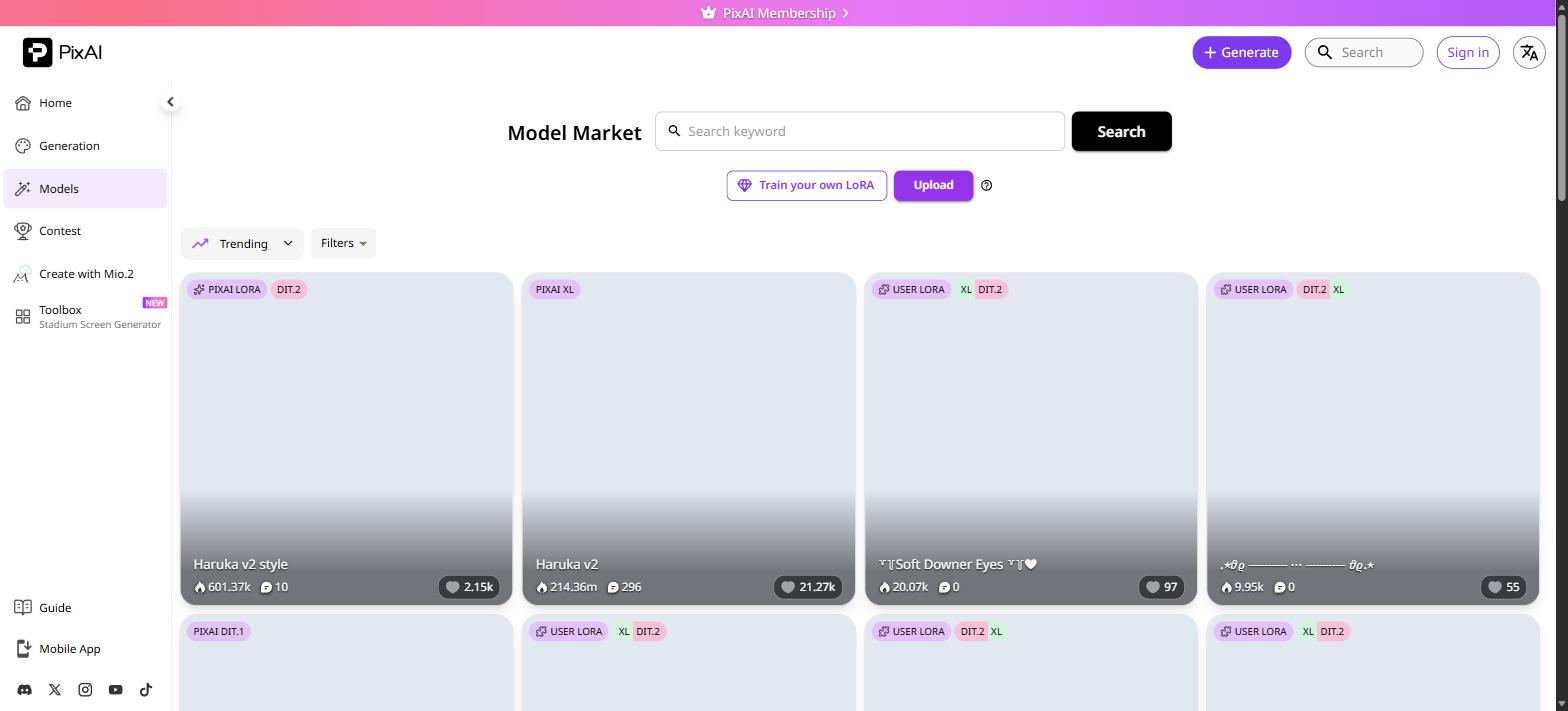
The Model Market is arguably PixAI’s most compelling feature. Browse 1M+ models for free (official and user-made LoRAs), filter by Trending or custom filters, train your own LoRA (some features require membership), and share with the community.
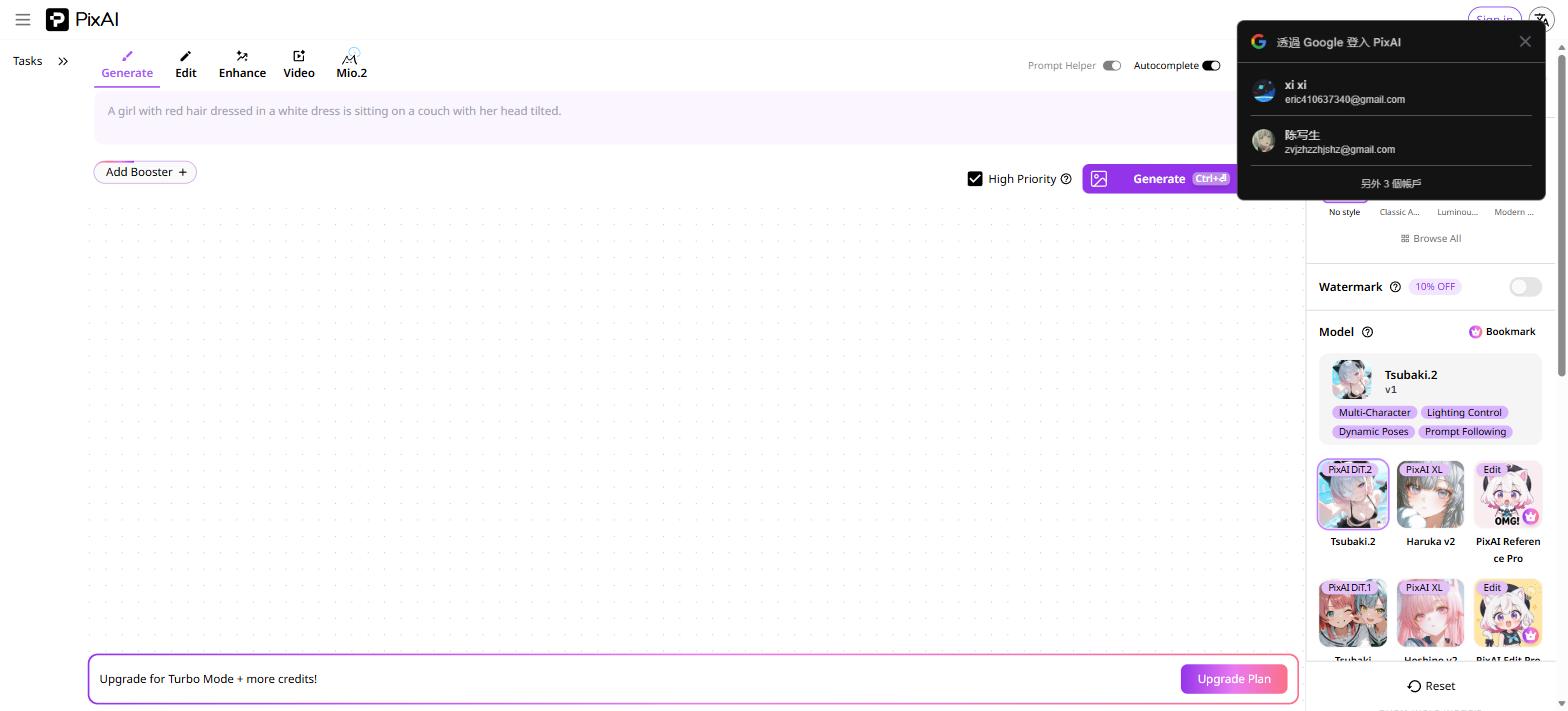
Key official models: Tsubaki.2 (current flagship, PixAI DiT.2 based, multi-character, lighting, dynamic poses), Haruka v2 (PixAI XL based, 214M+ downloads, clean sweet style), PixAI DiT.1 (previous flagship), PixAI Reference Pro (detail editing model). Community LoRAs span SD 1.5 to SDXL to DiT.2 — character, concept, and outfit LoRAs all available.
4. Video Generation (2026 New Feature): Bring Stills to Life
PixAI’s biggest 2026 addition is the Video Generation Suite, available across all plans: Image-to-Video (I2V) converts static images into animated clips, Text-to-Video (T2V) generates animated scenes from text, and Enhanced Mode (Plus and above) delivers higher-quality video output. One click from image to animation — PixAI just leveled up.
5. Adult Content Support: How to Enable NSFW Mode
Let’s be direct: PixAI supports NSFW adult content, but it requires age verification (18+) in your account settings first. Once enabled, you can access adult LoRA models from the community, generate R18 anime-style images, and browse/download NSFW models from the Model Market. Given the platform’s massive community (1M+ models), adult content resources are plentiful.
If you’re also looking to compare other AI adult platforms, check out AIEro — it aggregates reviews and access points for multiple AI adult content tools.
6. Mio.2 AI Agent: Beyond a Chatbot
PixAI’s 2026 introduction, Mio.2, isn’t a traditional chatbot — it’s an AI agent integrated into the creative workflow. Faster and smarter than standard agents, can plan your creative process and optimize prompts, supports multi-step automated execution, and carries the tagline “Faster. Smarter. Completely Reimagined.” Currently free to try — no membership required.
7. Pricing: Free Is Genuinely Usable, Paid Plans Are Even Better
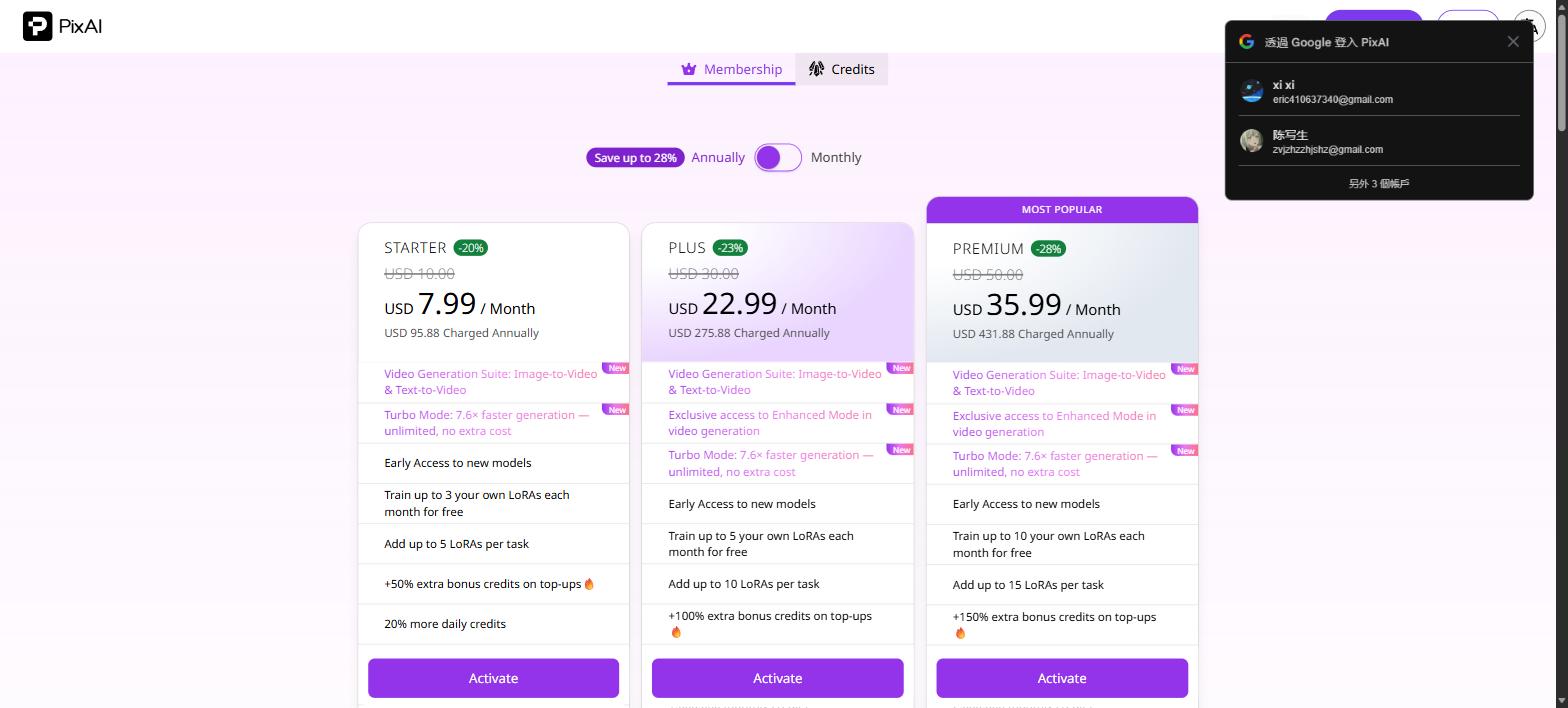
PixAI runs a dual-track system: free daily credits + optional membership. Free users receive daily credits with no credit card required.
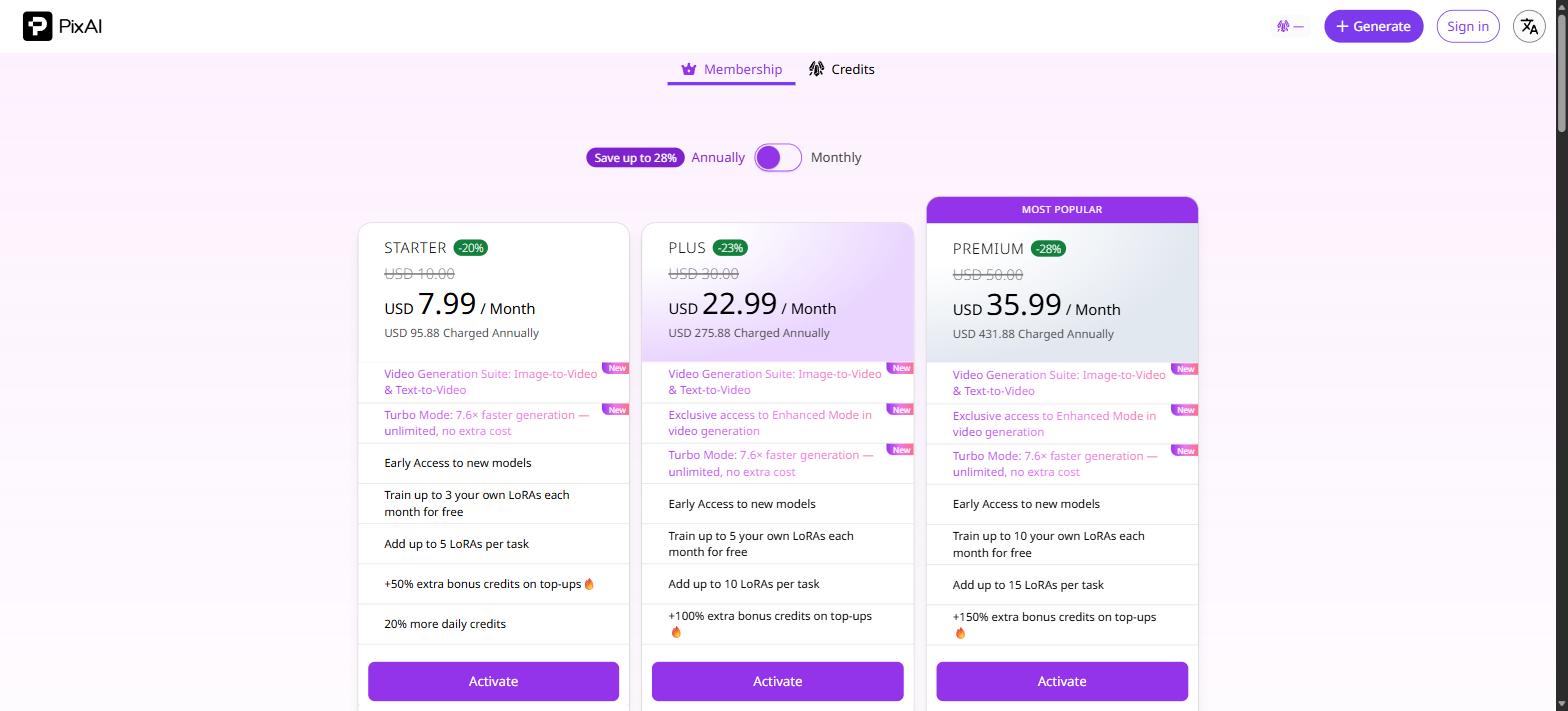
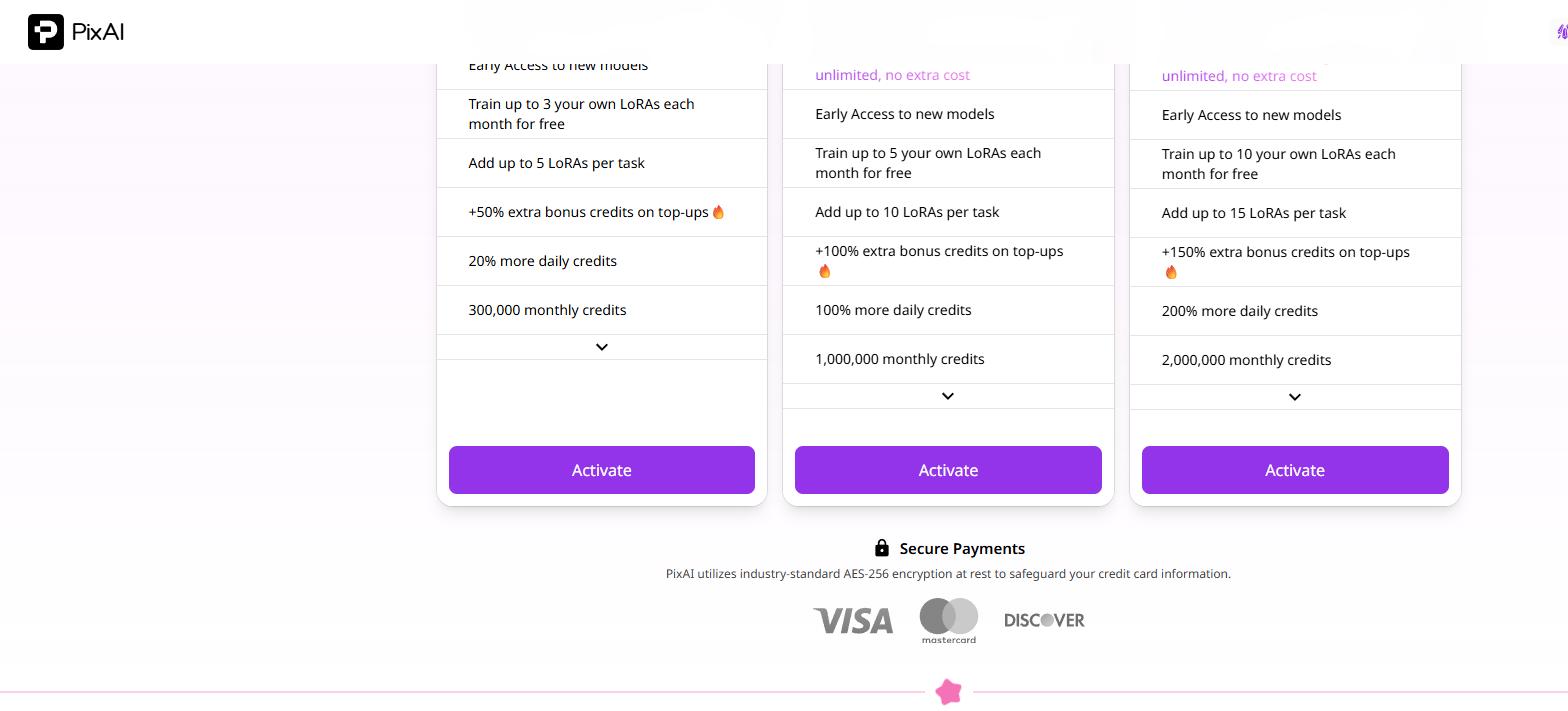
Paid plans (annual billing): STARTER at $7.99/month (billed $95.88/year): 300K monthly credits, train 3 LoRAs/month, stack up to 5 LoRAs per task, +50% bonus on top-ups, +20% daily credits. PLUS at $22.99/month (billed $275.88/year): 1M monthly credits, 5 LoRA trains/month, up to 10 LoRAs per task, +100% bonus, +100% daily, plus Video Enhanced Mode. PREMIUM at $35.99/month (billed $431.88/year): 2M monthly credits, 10 LoRA trains/month, up to 15 LoRAs per task, +150% bonus, +200% daily. Annual plans save up to 28%. AES-256 encrypted payments via Visa, Mastercard, Discover.
8. How PixAI Compares to Other AI Tools
We’ve previously reviewed NovelAI Diffusion V4.5 and SeaArt.ai. On free credits: PixAI wins with daily free credits, NovelAI is subscription-only, SeaArt uses a dual system. On community model count: PixAI leads with 1M+. On video generation: PixAI added it in 2026; others don’t offer it yet. On starting price: PixAI at $7.99, NovelAI at $10, SeaArt starting free.
PixAI’s strongest edge is its community ecosystem and all-in-one integration.
9. Final Verdict
Pros: Ultra-low free barrier (daily credits), largest community model library (1M+), video generation added in 2026, Turbo Mode at 7.6× speed, NSFW support with rich adult LoRA resources, competitive pricing (up to 28% off annually).
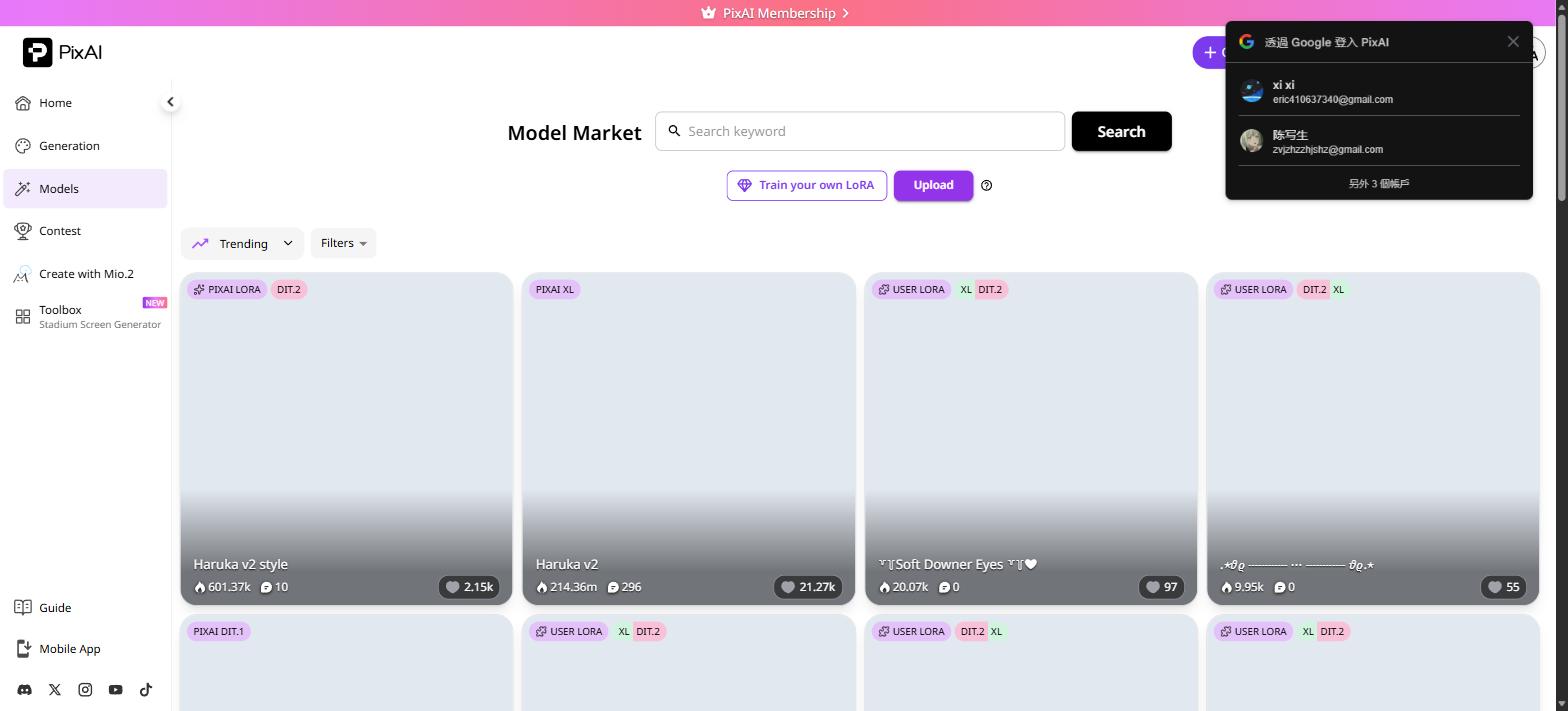
Cons: Video Enhanced Mode locked to Plus and above, free credits are limited, Google sign-in popup gets annoying.
Our recommendation: Start free, explore the interface, enable NSFW in settings if that’s your thing, then consider Starter ($7.99) for moderate use — or jump to Plus for serious creators.
For a curated hub of AI adult tools and platform reviews, don’t miss AIEro. Tonight, no crashes.
References & Image Credits
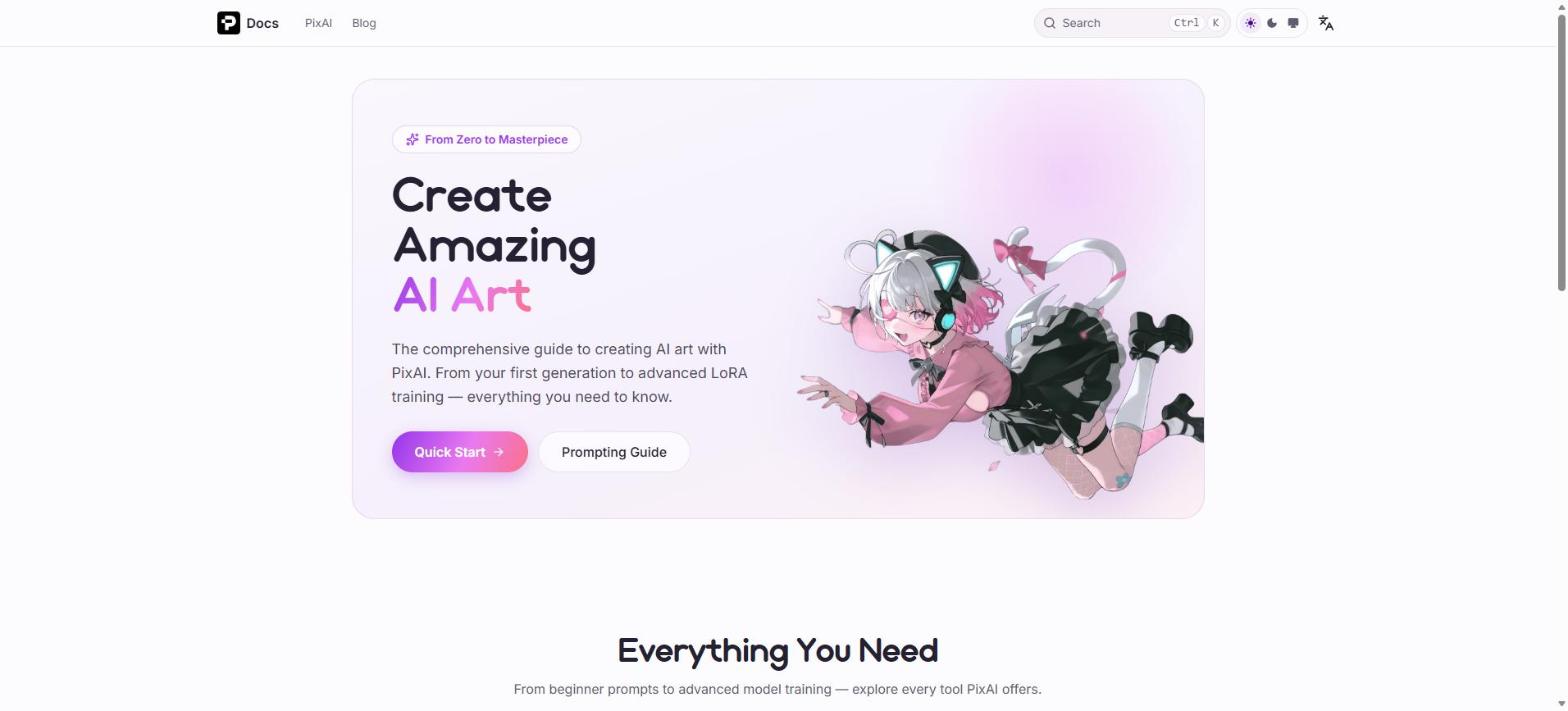
All screenshots captured from pixai.art official website (July 20, 2026). Sources: PixAI official site, PixAI documentation, PixAI Model Market, PixAI Membership Plans.